EasyManua.ls Logo

TOZO S1 - Exercise Record Management

TOZO S1
12 pages
Print Icon
To Next Page IconTo Next Page
To Previous Page IconTo Previous Page
Loading...
TOzO
EN
@
End exercise
In
the
exercise
data
interface,
tap the
screen
to
pause
or
short
press
the
side
button,
it
will
jump
to
the
exercise
pause
interface;
Click
to
return
to
the
exercise
interface
to
continue
exercising,
click
to
end
the
current
exercise;
after
the
end
of
the
exercise,
the
current
exercise
record
will
be
displayed,
and
you
can
slide
the
screen
up
and
down
to
view
the
data;
@
Exercise
data
can
be
saved
when
the
distance
is
greater
than
200
meters
or
the
exercise
time
is
greater
than
5
minutes.
@
The
saved
exercise
data
can
be
viewed
in
the
exercise
history.
@
After
the
bracelet
is
bound
to
the
app,
click
Sync
on
the
exercise
history
record
interface
to
synchronize
the
exercise
history
data
of
the
bracelet.
You
can view
the
detailed
data
on
the
app.
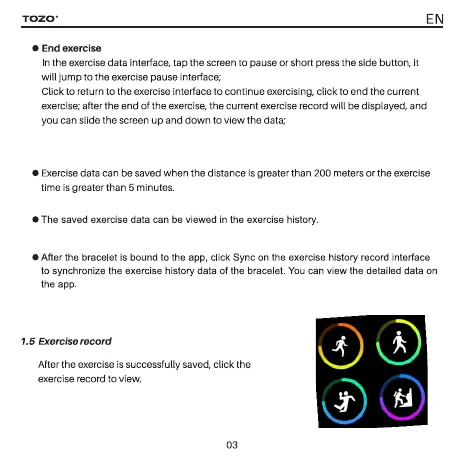
1.5
Exercise
record
After
the
exercise
is
successfully
saved,
click
the
exercise
record
to
view.
03

Related product manuals