EasyManua.ls Logo

TOZO S1 - Pairing and App Integration; APP Download Methods; Bluetooth Device Pairing

TOZO S1
12 pages
Print Icon
To Next Page IconTo Next Page
To Previous Page IconTo Previous Page
Loading...
TOzO
EN
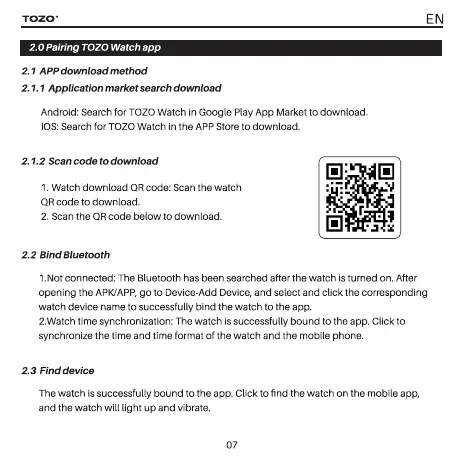
Pairing
TOZO
Watch
app
2.1
APP
download method
2.1.1
Application
market
search
download
Android:
Search
for
TOZO
Watch
in
Google
Play
App
Market
to
download.
IOS:
Search
for
TOZO
Watch
in
the
APP
Store
to
download.
2.1.2
Scan
code
to
download
1.
Watch
download
QR
code:
Scan
the
watch
QR
code
to
download.
2.
Scan
the
QR
code
below
to
download.
2.2
Bind
Bluetooth
1.Not
connected:
The
Bluetooth
has
been
searched
after
the
watch
is
turned
on.
After
opening
the
APK/APP,
go
to
Device-Add
Device,
and
select
and
click
the
corresponding
watch
device
name
to
successfully
bind
the
watch
to
the
app.
2.Watch
time
synchronization:
The
watch
is
successfully
bound
to
the
app.
Click
to
synchronize
the
time
and
time
format
of
the
watch
and
the
mobile
phone.
2.3
Find
device
The
watch
is
successfully
bound
to
the
app.
Click
to
find
the
watch
on
the
mobile
app,
and
the
watch
will
light
up
and
vibrate.
07

Related product manuals