6
Chapter 2
Get to Know About Your Router
Item Description
Reset Button
Press and hold the button until all LEDs turn on to reset the router to its
factory default settings.
WPS/Wi-Fi Button
Press the button for 1 second, and immediately press the WPS button on
your client to start the WPS process.
Press and hold the button for 2 seconds to turn on or off the wireless
function of your router.
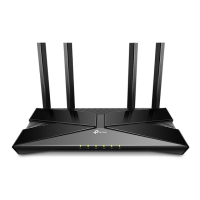
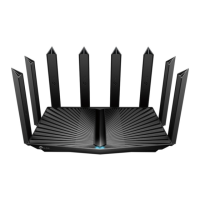
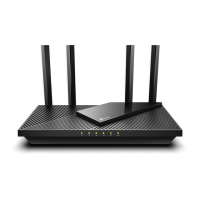
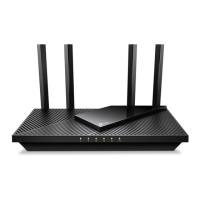
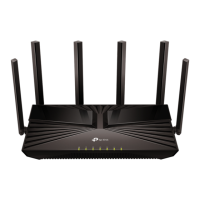
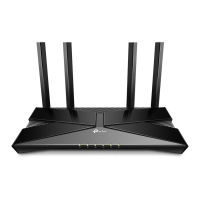
Antennas
Used for wireless operation and data transmit. Upright them for the best
Wi-Fi performance.





 To Next Page