10
Chapter 3
Windows
3. 3. Uninstall Driver and WPS Tool
The software uninstallation steps vary a bit from different systems. Please follow
the appropriate instructions for your Windows operating system: Windows 8/8.1/10,
Windows XP/7.
• Windows 8/8.1/10
Go to Start menu to find the TP-Link application. Click
Uninstall TP-Link
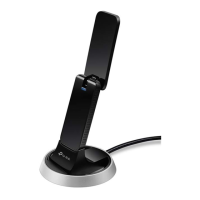
Archer T9UH
Driver, then follow the on-screen instructions to complete the uninstallation.
• Windows XP/7
Go to Start > All Programs > TP-Link > Uninstall
TP-Link
Archer T9UH Driver. Follow the
on-screen instructions to complete the uninstallation.











 To Next Page