15
Chapter 4
Mac OS X
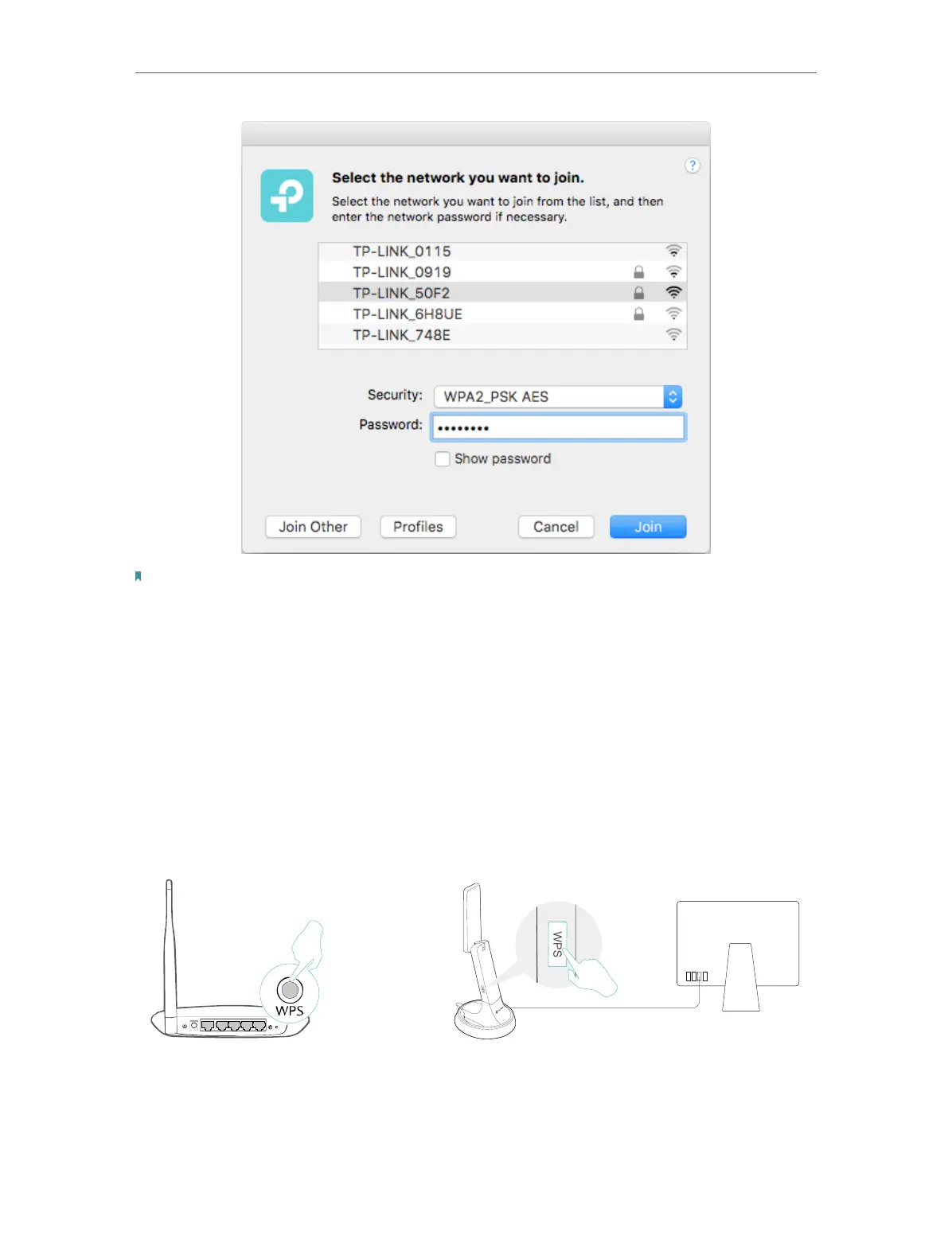
Note:
If your Wi-Fi network is not displayed in the list, you can try to join it by WPS or by clicking Join Other on the above
screen, and then follow the on-screen instructions to join the network.
4. 2. 2. WPS (Wi-Fi Protected Setup)
WPS can be activated via PBC (Push Button Configuration) and PIN code. Please refer
to PBC or PIN below.
• PBC
Option 1
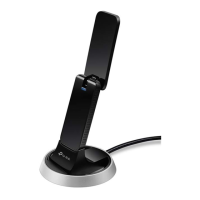
1. Press the WPS/QSS button on your router or AP. Within 2 minutes, press and hold the
WPS button on the adapter until the following WPS screen appears.











 To Next Page