1
Quick
Installation Guide
TP-Link deco 4G+ Modem
STEP 1:
Install the nano-SIM card
The TP-Link deco 4G+ modem uses a
nano-SIM card, in most cases, it will come
preinserted into your device.
To insert the SIM card, find the SIM card slot
at the bottom of the modem.
Insert the SIM card gently inside the SIM
card slot as shown above until it “clicks” in.
Note:
We may have already inserted it for you.

 Need help?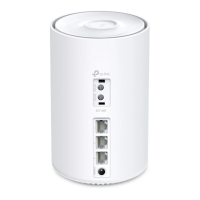




 To Next Page
 General