Quick Setup Guide: TP-Link deco 4G+ Modem2
STEP 2:
Power on the modem
STEP 3:
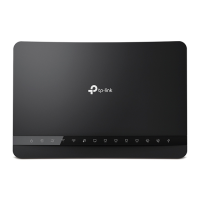
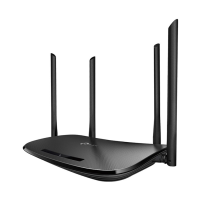
About your modem
Use the power adapter provided to
connect your TP-Link deco 4G+ modem
into a power source.
Wait 2 minutes for the modem
to complete the boot up sequence.
Please wait 2 minutes after connecting
your TP-Link deco 4G+ modem to power.
The indicators will turn on when the modem
has successfully connected to a network.
1
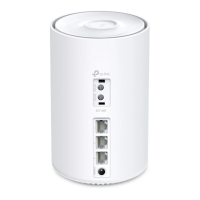
4G Antenna ports
2
Phone (optional)
3
LAN
4
LAN
5
Power
6
Reset button
7
WiFi details
8
SIM slot
9
Indicator Light
1
2
3
4
5
6
7
8
9





 To Next Page