2
Appearance
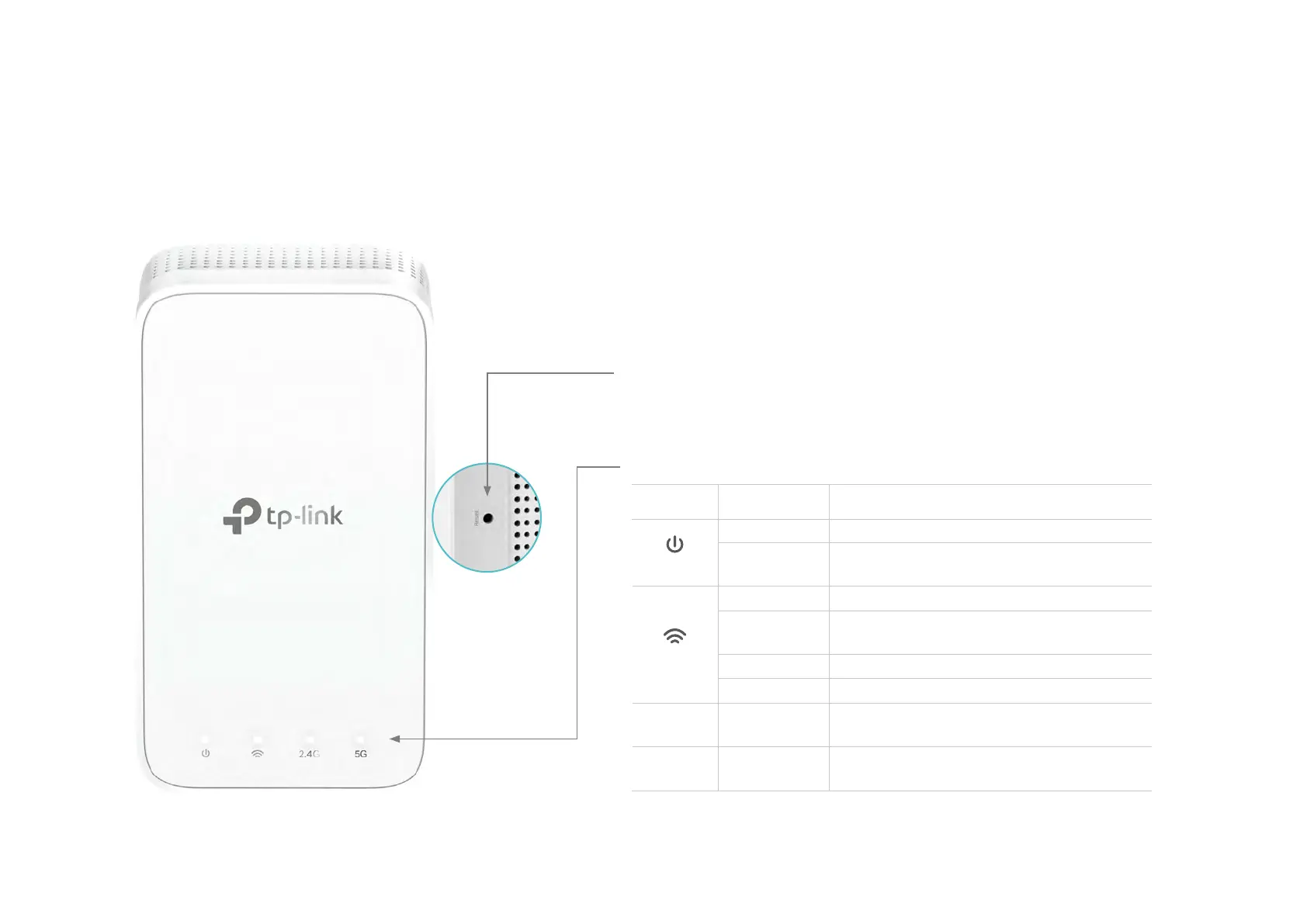
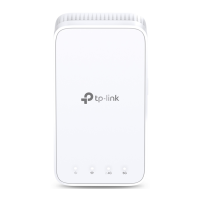
Deco Extender has four LED lights and a Reset button. See the explanation below:
Reset Button:
Press to reset Deco Extender to factory default settings.
LEDs:
LED STATU S INDICATION
Power
On/O Deco is on or o.
Pulse
Deco is starting up, upgrading rmware,
or resetting.
Signal
White Solid Internet service is available.
Red Solid
Deco is connected to main Deco but
internet service is not available.
White Pulse WPS connection is in progress.
Red Pulse Deco is disconnected from main Deco.
2.4GHz On/O
Deco is connected or not connected to
main Deco’s 2.4GHz Wi-Fi.
5GHz On/O
Deco is connected or not connected to
main Deco’s 5GHz Wi-Fi.


 To Next Page