EasyManua.ls Logo

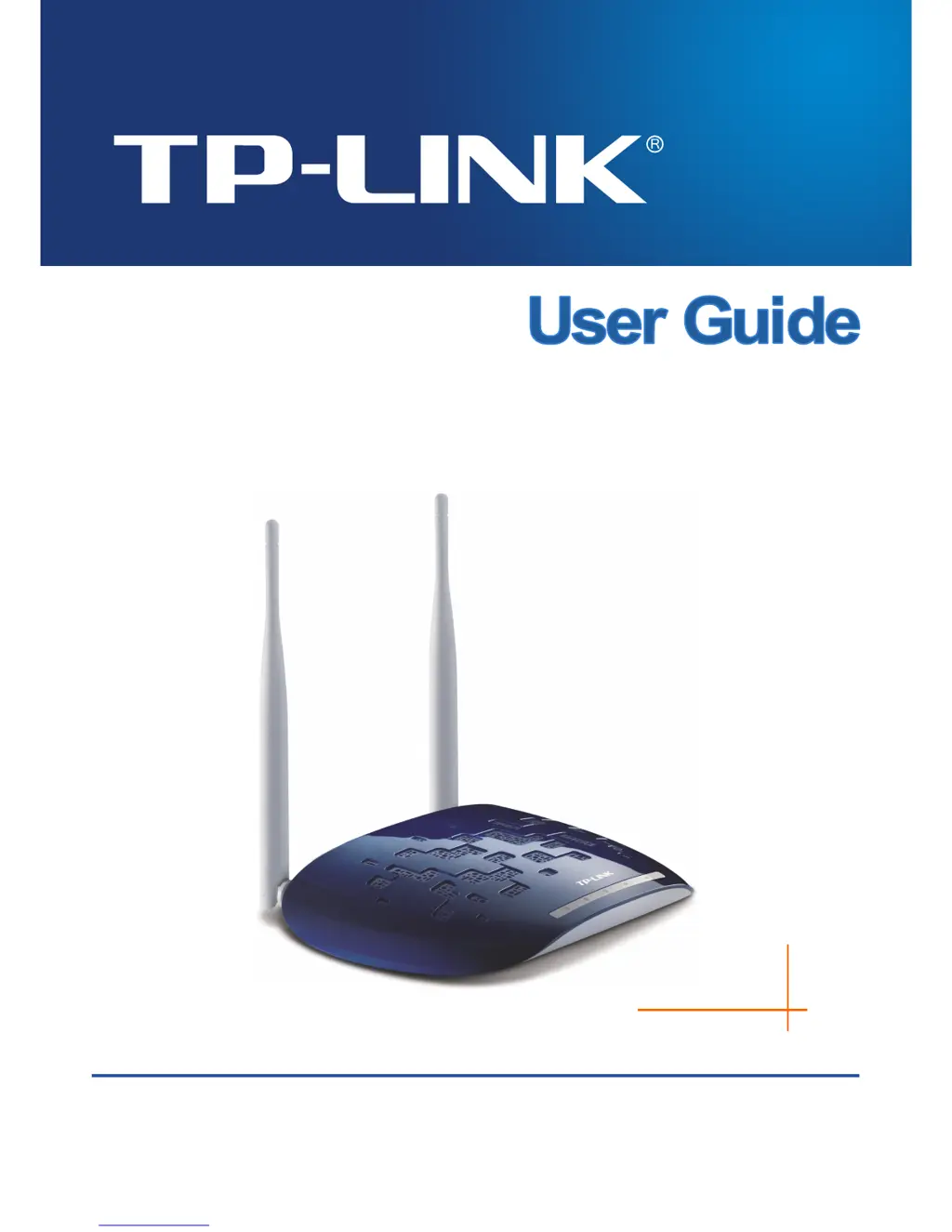
TP-Link TL-WA830RE - User Manual

TP-Link TL-WA830RE
65 pages
Print Icon
To Next Page IconTo Next Page
Loading...
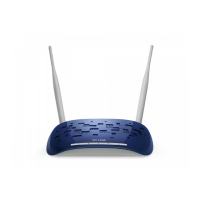
TL-WA830RE
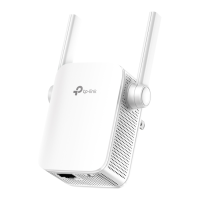
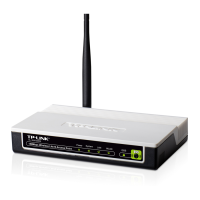
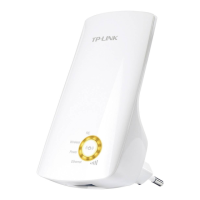
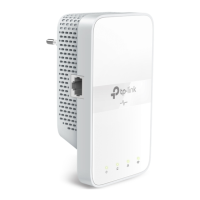
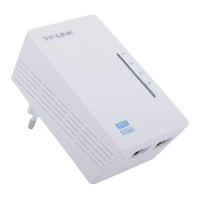
300Mbps Wireless N Range Extender
Rev: 2.0.0
1910010701

Other manuals for TP-Link TL-WA830RE

Questions and Answers

  • R
    Robert MillerJul 26, 2025
    Why can't I access my TP-Link TL-WA830RE Extender with my wireless computer?
    • R
      Robert HullJul 26, 2025
      If you cannot access the TP-Link Extender with a wireless capable computer, it might be due to a configuration problem. Restart your computer to ensure that any TCP/IP changes take effect. Also, verify that your computer's TCP/IP settings are correctly configured for your network. In Windows, the typical setting is 'Obtain an IP address automatically' within Network Properties. It is also possible that the default values of the Access Point are conflicting with your network's configuration. Check if the access point’s default configuration conflicts the configuration of other devices in your network.
  • R
    riostimothyAug 5, 2025
    What to do if the LAN LED is not lit on my TP-Link TL-WA830RE?
    • B
      bondmatthewAug 5, 2025
      If the LAN LED is not lit on your TP-Link Extender, it could be due to a hardware connection problem. Ensure that the cable connectors are securely plugged into both the Access Point and the network device (hub, switch, or Router). Also, make sure the connected device is turned on and that you are using the correct cable, which should be a standard Category 5 Ethernet patch cable. If your network device has Auto Uplink™ (MDI/MDIX) ports, you can use either a crossover cable or a normal patch cable.
  • K
    Kelly KingAug 14, 2025
    How to fix TP-Link TL-WA830RE Extender when no LEDs are lit?
    • D
      David CrawfordAug 14, 2025
      If no LEDs are lit on your TP-Link Extender, ensure the power cord is securely connected to the Access Point and that the power adapter is connected to a functioning electrical outlet with the switch turned on. Also, verify that you are using the correct TP-LINK power adapter provided with your Access Point.

Summary

Introduction and Installation

Package Contents

Lists the items included in the TL-WA830RE package.

Product Overview and Features

Describes the TL-WA830RE's purpose, technology, and key features.

Hardware Installation Guide

Guides on device placement, requirements, and connection steps.

Quick Setup Guide

Initial Setup and Configuration

Guides users through logging in and the initial setup process.

Device Configuration

Status Information

Covers viewing device status, firmware, and network connection details.

WPS Setup

Explains how to use Wi-Fi Protected Setup for network connection.

Network Settings

Covers IP configuration, gateway, and DHCP server settings.

Wireless Settings

Details wireless modes, security protocols, and MAC filtering.

System Tools

Explains diagnostics, firmware upgrades, backups, and logs.

Appendices

Application Examples

Offers practical usage scenarios for the TL-WA830RE.

Troubleshooting and Defaults

Covers restoring defaults and solutions for common operational problems.

Specifications and Glossary

Lists technical details and defines networking terms.

TP-Link TL-WA830RE Specifications

General IconGeneral
Cabling technology10/100Base-T(X)
Networking standardsIEEE 802.11b, IEEE 802.11g, IEEE 802.11n
Ethernet LAN (RJ-45) ports1
CertificationCE, FCC, RoHS
Product colorBlack, White
Input current1 A
Storage temperature (T-T)-40 - 70 °C
Operating temperature (T-T)0 - 40 °C
Storage relative humidity (H-H)5 - 90 %
Operating relative humidity (H-H)10 - 90 %
TypeNetwork transmitter & receiver
Maximum transfer distance- m

Videos

How to configure TP-Link Range Extender TL-WA830RE

Related product manuals