Router
WAN LAN
1
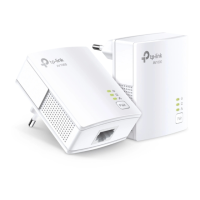
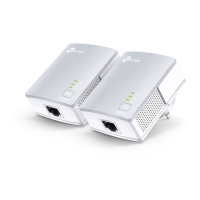
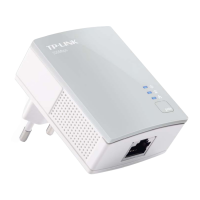
Adapter
2
3
Adapter
4
More: To add additional Powerline
adapters and extenders with the default
settings, simply plug them into the wall
sockets on the same electrical circuit.
Same Electrical Circuit
Same Electrical Circuit
Wait until the Powerline LED turns on.
Note: If the LED is o, please refer to FAQ-Q2.
Attention
Wall Outlet Power Strip
Plug powerline devices into wall outlets instead of power strips.
Quick Installation Guide
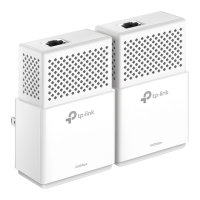
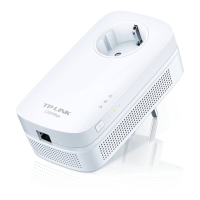
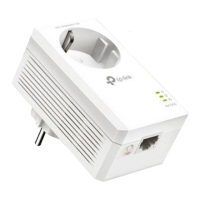
* European version is used for demonstration in this guide.
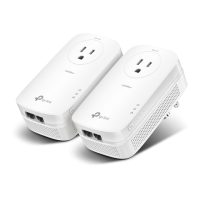
* Images may dier from your actual product.

 Need help?



 To Next Page
 General