EasyManua.ls Logo

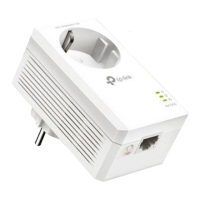
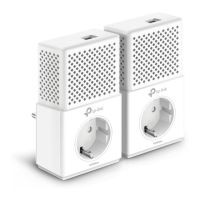
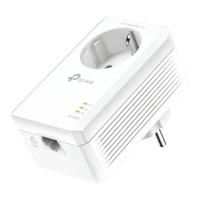
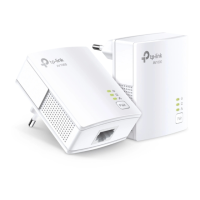
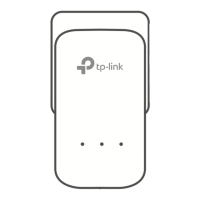
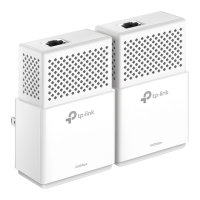
TP-Link TL-PA7010 - User Manual

TP-Link TL-PA7010
2 pages
Print Icon
To Next Page IconTo Next Page
Loading...
Hello, I’m here.
Follow me to extend your home network.
Powerline
Router
WAN LAN
1
1000Mbps
1000Mbps
Adapter
TL-PA7010
2
3
Adapter
TL-PA7010
6
More: To add additional Powerline
adapters and extenders with the default
settings, simply plug them into the wall
sockets on the same electrical circuit.
Wait until the Powerline
LED turns on.
* Applicable to TL-PA7010, and its
multiple-pack kits
* TL-PA7010 KIT (European version) is
used for demonstration in this QIG.
4
Pair
1000Mbps
Attention
Wall Outlet Power Strip
Quick Installation Guide
Question and Answer IconNeed help?

Do you have a question about the TP-Link TL-PA7010 and is the answer not in the manual?

Summary

Initial Powerline Setup Guide

Connecting the First Powerline Adapter

Connects the first adapter to the router and wall outlet.

Waiting for Powerline LED

Wait until the Powerline LED turns on to confirm connection.

Enjoying Your Extended Network

Confirmation of successful network extension.

Important Attention Notes

Summary

Initial Powerline Setup Guide

Connecting the First Powerline Adapter

Connects the first adapter to the router and wall outlet.

Waiting for Powerline LED

Wait until the Powerline LED turns on to confirm connection.

Enjoying Your Extended Network

Confirmation of successful network extension.

Important Attention Notes

TP-Link TL-PA7010 Specifications

General IconGeneral
TypePowerline Adapter
ModelTL-PA7010
Powerline SpeedUp to 1000 Mbps
Plug TypeEU, UK, US
Encryption128-bit AES
ButtonPair
Operating Voltage100-240V~ 50/60Hz
Operating Temperature0°C to 40°C (32°F to 104°F)
Operating Humidity10% to 90% Non-condensing
Ethernet Ports1
InterfaceGigabit Ethernet Port
Range300 meters
StandardsHomePlug AV2
LED IndicatorPower, Powerline, Ethernet
Dimensions3.7 x 2.1 x 1.6 in (94 x 54 x 40 mm)

Related product manuals