TL-PA511 AV500 Mini Powerline Adapter
3
1.2 Physical Interface
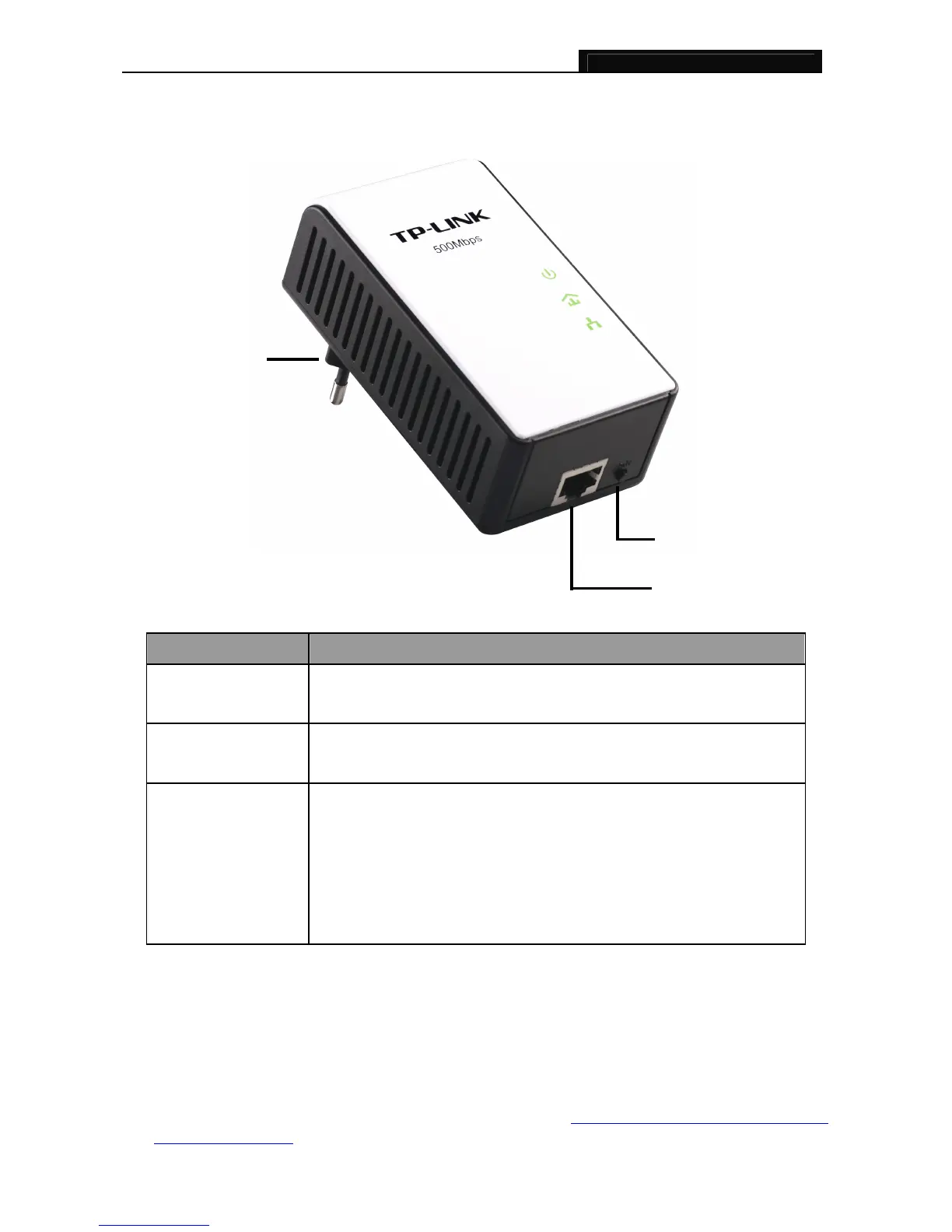
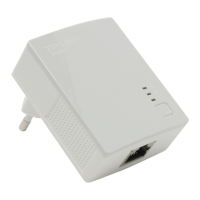
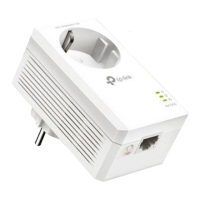
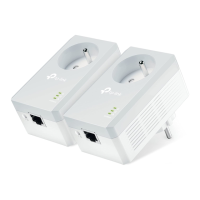
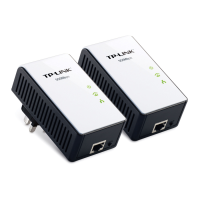
There are four physical interfaces on this Mini Powerline Adapter.
Interface Description
Ethernet Port
A 10/100Mbps Ethernet port for connecting the adapter to the PC or
the broadband device with a network cable.
Power Plug*
A Power Plug for connecting the adapter to a 100V ~ 240V
(50~60Hz) AC power socket.
Pair Button
Pair buttons are used to secure a powerline network. To secure
your network, please follow the steps below. Firstly, plug in a new
adapter, and press its pair button for one second; then plug in
another adapter and press its pair button for one second as well.
The two buttons should be pressed within 2 minutes of each other.
After that, wait about 60 seconds so that the two adapters can finish
connecting.
* The provided power plug may differ from the picture due to different regional power specifications. Here
we take the EU version as an example.
)
Note:
1. If you press the pair button for more than 10 seconds, the powerline adapter will leave the network
which it has joined and its new network name assumes a random value. The Power LED turns off
when it disconnects from the powerline network.
2. For detailed information about the pair button, please refer to Charpter 5 Advanced Featu
re: How to
Use the Pair buttons.
Ethernet Port
Pair Button
Power Plug


 To Next Page