EasyManua.ls Logo

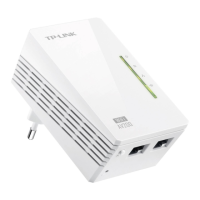
TP-Link TL-WPA2220 - User Manual

TP-Link TL-WPA2220
47 pages
Print Icon
To Next Page IconTo Next Page
Loading...
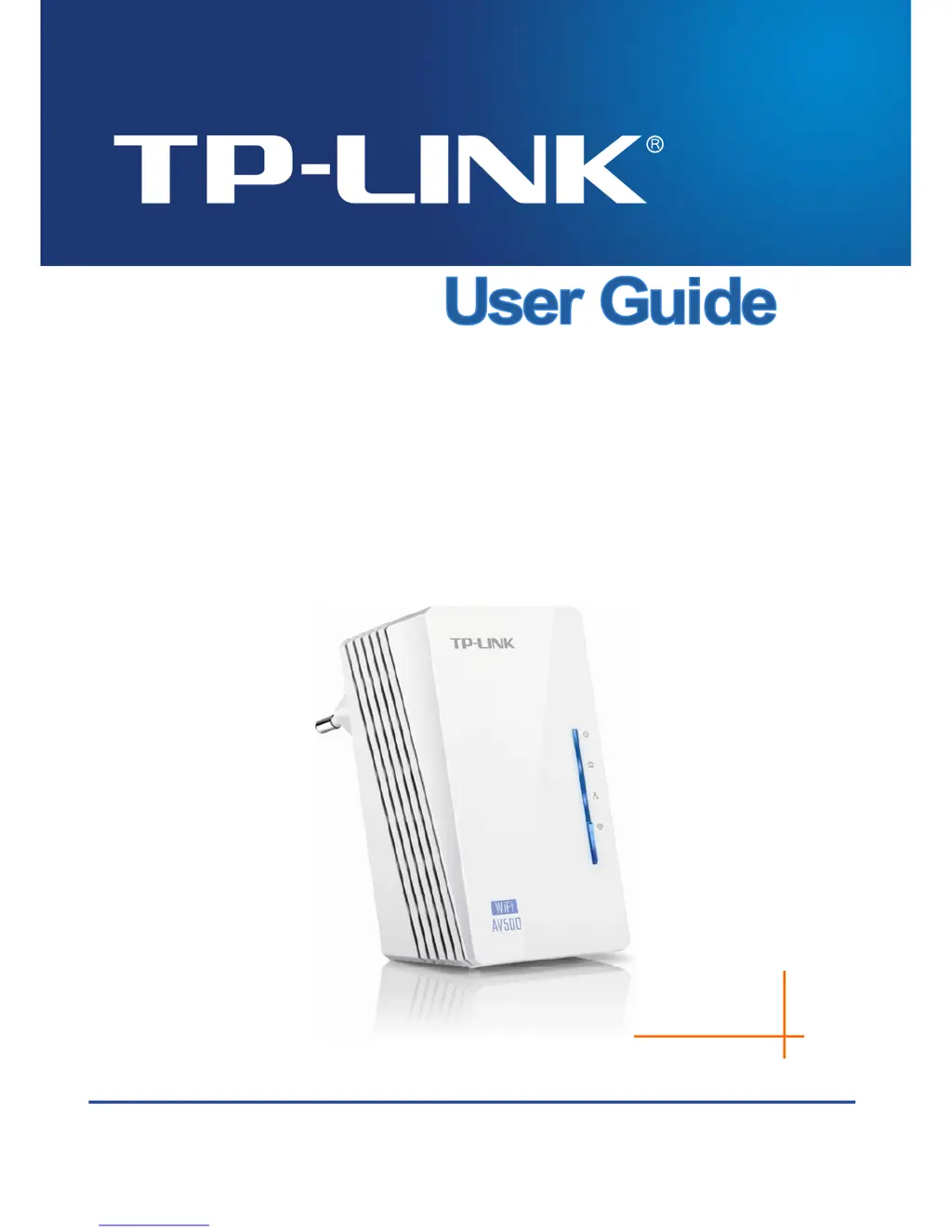
TL-WPA4220
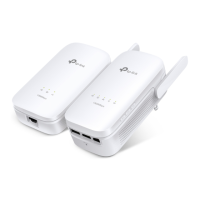
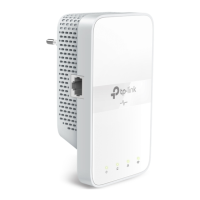
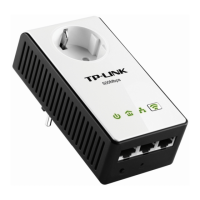
300Mbps AV500 WiFi Powerline Extender
TL-WPA2220
300Mbps AV200 WiFi Powerline Extender
REV1.0.0
1910010839

Other manuals for TP-Link TL-WPA2220

Questions and Answers

  • P
    Patrick AllenAug 10, 2025
    What to do if the Ethernet LED does not light up on TP-Link TL-WPA2220?
    • J
      Jason NelsonAug 10, 2025
      If the Ethernet LED on your TP-Link Extender doesn't light up, first ensure the Ethernet cable (RJ45) is properly connected to both the extender's Ethernet port and your computer's LAN card or Cable/xDSL Ethernet port. Also, verify that your computer's LAN card is correctly installed and configured, and that your Cable/xDSL broadband access is working properly. If the issue persists, contact your local dealer for technical support.
  • A
    Andrew WeaverAug 20, 2025
    How to fix TP-Link TL-WPA2220 Powerline LED not lighting up?
    • D
      Daniel WatsonAug 21, 2025
      If the Powerline LED on your TP-Link Extender isn't lighting up, try these steps: double-click to enable the Management Utility and click the “Rescan” tab so it can detect all other Powerline Extenders. Try plugging the extender into a nearby power outlet, and make sure it's plugged directly into a wall socket, not a power strip. You can also try to re-establish the connection using the Pair button method described in section 5.2, or reset the device to its factory default values. If the Powerline LED still doesn't light up, contact your local dealer for technical support.
  • D
    David CortezAug 29, 2025
    Why is the Power LED not lighting up on my TP-Link Extender?
    • N
      Nicholas JonesAug 29, 2025
      If the Power LED on your TP-Link Extender isn't lighting up, make sure the extender is properly plugged into a working power outlet. Try plugging another device into the outlet to confirm it's active. If it's already plugged in, try re-plugging it. If the Power LED still doesn't light up, contact your local dealer for technical support.

TP-Link TL-WPA2220 Specifications

General IconGeneral
BrandTP-Link
ModelTL-WPA2220
CategoryExtender
LanguageEnglish

Related product manuals