22
Chapter 3
Conguring via Web Management Interface
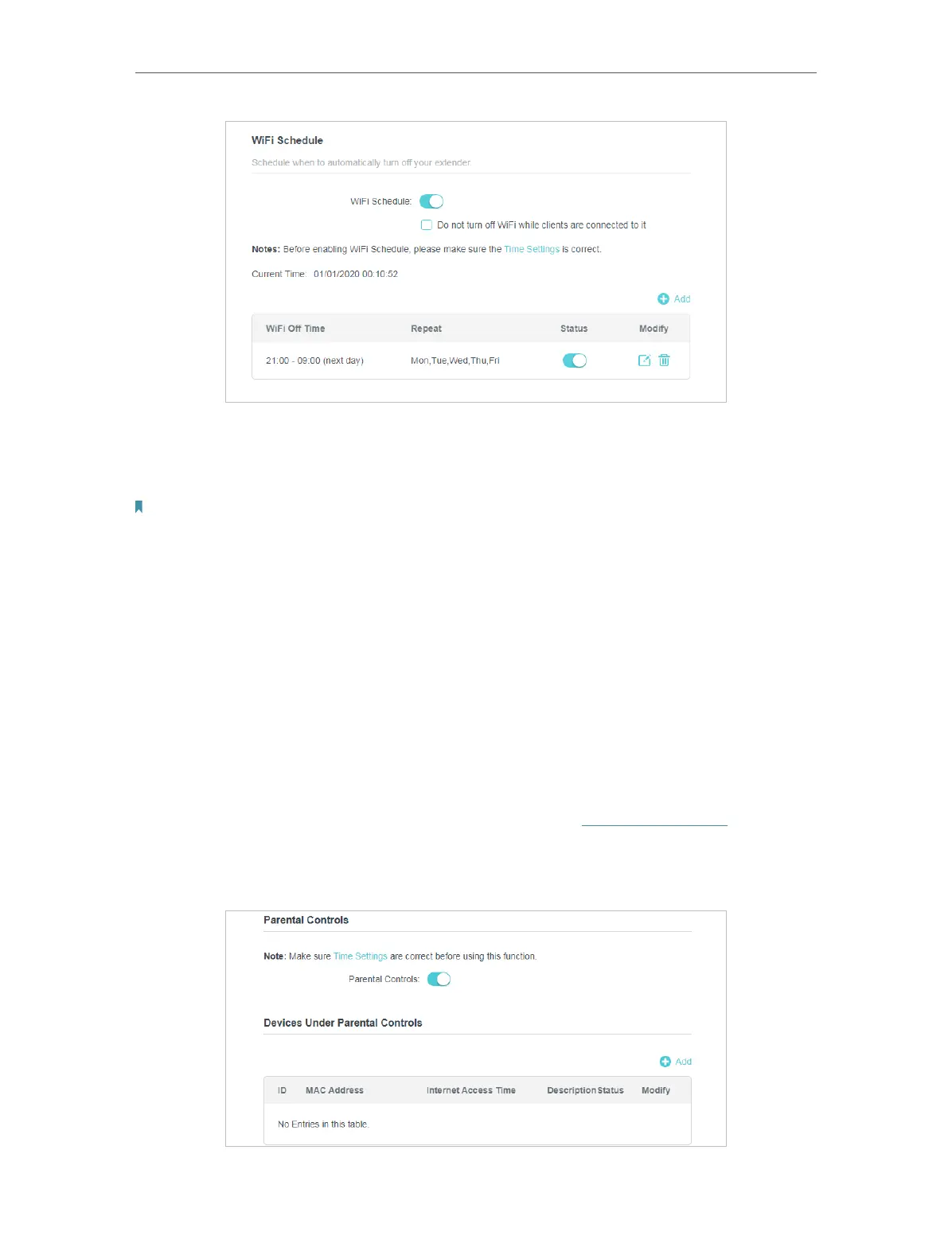
Now your Wi-Fi will be automatically turned off at 00:00 and turned on at 7:00am the
next morning.
Note: The Wi-Fi LED will turn off if the wireless network is disabled.
3. 8. Parental Controls
Control when my children’s wireless devices can access the internet.
For example, I want to allow my children’s wireless devices to access only from 18:00
(6PM) to 22:00 (10PM) on weekdays and not other times.
1. Connect to the powerline extender wirelessly. Visit http://tplinkplc.net, and log in
with the username and password you set for the extender.
2. Go to Advanced > Parental Controls.
Done!
I want to:
How can I do that?


 To Next Page
 Loading...