TL-WR843ND 300Mbps Wireless AP/Client Router User Guide
- 6 -
settings.
Used as WPS button:
If you have client devices, such as wireless adapters, that support Wi-Fi Protected Setup,
then you can press this button to quickly establish a connection between the Router and
client devices and automatically configure wireless security for your wireless network.
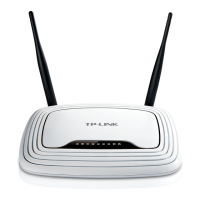
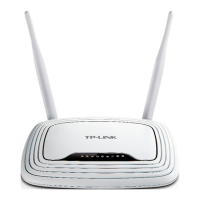
Wireless antenna: To receive and transmit the wireless data.












 To Next Page