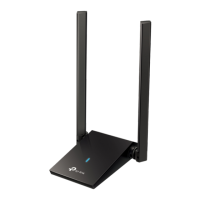
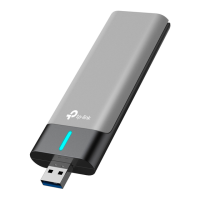
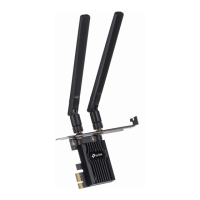
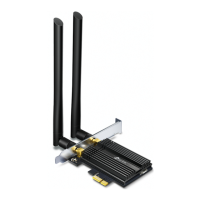
AX1800 Wireless USB Adapter
Images are for demonstration only.
Troubleshooting
For technical support, replacement
services, user guides, and other
information, please visit
https://www.tp-link.com/support, or
simply scan the QR code.
Support
· Do not attempt to disassemble, repair, or modify the device.
· Do not use the device where wireless devices are not allowed.
· Keep the device away from water, re, humidity or hot environments.
· This USB Adapter can only be powered by computers that comply with
PS2 (IEC/EN 62368-1) or Limited Power Source (LPS) (IEC/EN 60950-1).
If you have problems during the installation,
please refer to the following online FAQs.
T1. Can’t nd the hardware version of the adapter:
https://www.tp-link.com/faq-46.html
T2. Can’t nd or connect to the wireless networks:
https://www.tp-link.com/faq-2253.html
T3. Can’t install the driver:
https://www.tp-link.com/faq-2252.html
7106509683 REV1.2.0©2022 TP-Link
Quick Installation Guide

 Need help?




 To Next Page
 General