English
1
For Windows 8/8.1/10
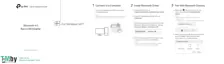
1 Connect to a Computer
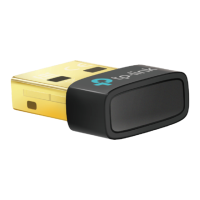
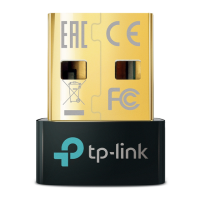
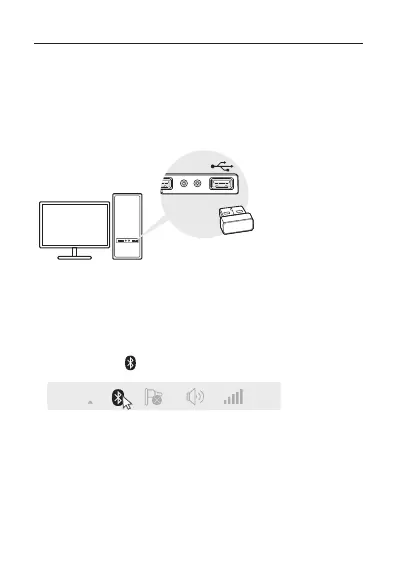
Insert the adapter into a USB port on your computer
directly.
Note: Before you proceed, please disable all existing Bluetooth devices
(both built-in and third party) on your computer.
2 Pair With Bluetooth Devices
a. Double-click (Bluetooth) icon on the menu bar.
Note: If the Bluetooth icon doesn’t appear, refer to FAQ->Q1.
b. For Windows 10, click Add Bluetooth or other device
to scan for Bluetooth devices. For Windows 8/8.1,
skip this step.
c. Select your Bluetooth device from the list and follow


 To Next Page
 Loading...