7
Chapter 2
Initial Use
2. 1. To Set Up a New Secure Wireless Network
Use the Powerline Wi-Fi Kit to set up a new secure wireless network in my house.
For example, I have a wireless router in my house, but the wireless signal cannot reach
every corner. So I bought a Powerline Wi-Fi Kit to extend the wireless network. The
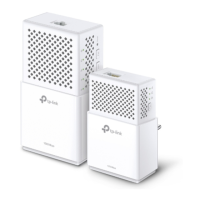
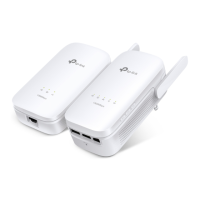
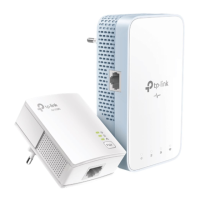
Powerline Wi-Fi Kit includes a powerline adapter and a powerline extender.
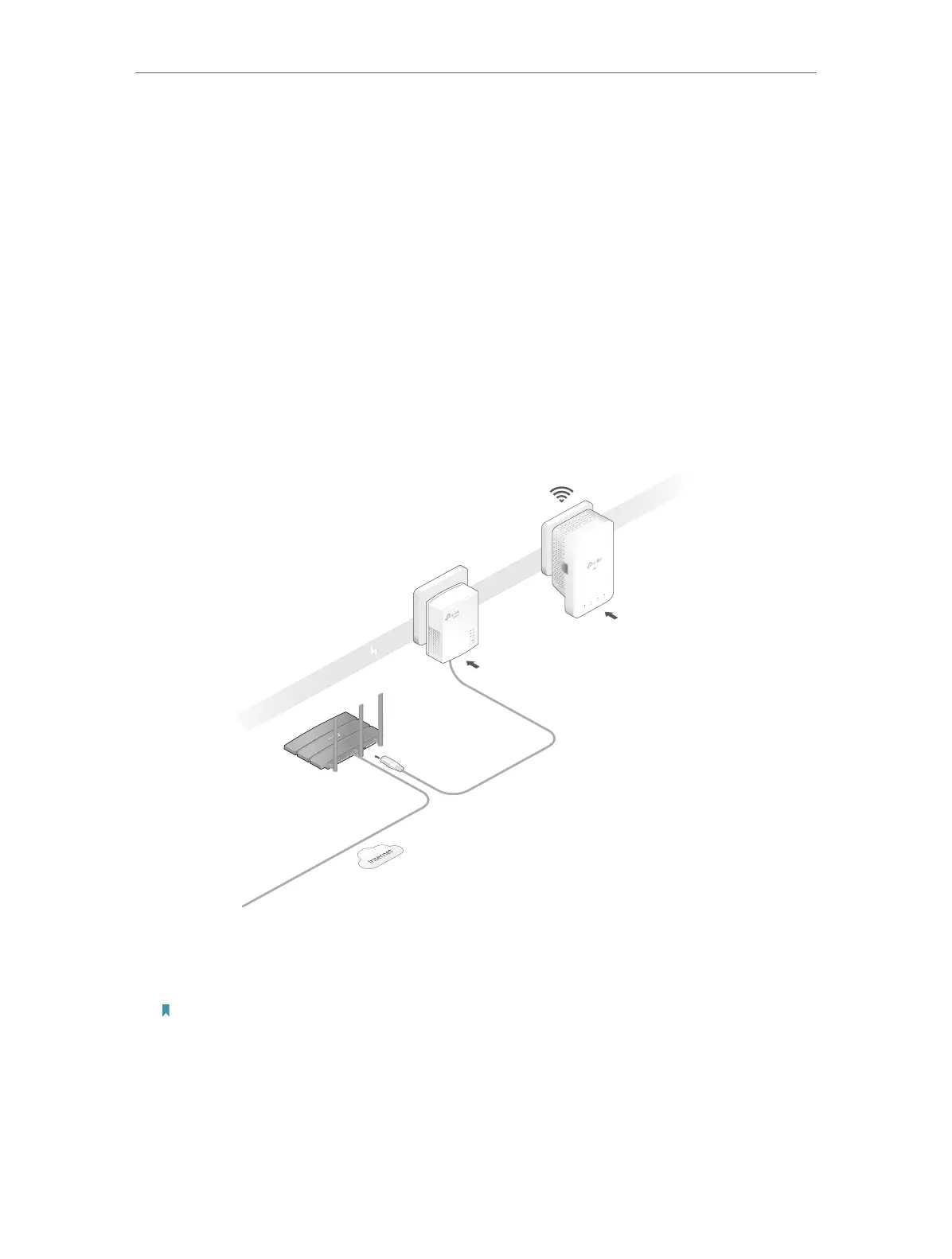
1. Connect the powerline adapter to an available LAN port of the router.
2. Plug the powerline adapter into a wall socket.
3. Plug the powerline extender into a wall socket near the adapter.
Ethernet Cable
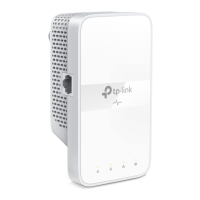
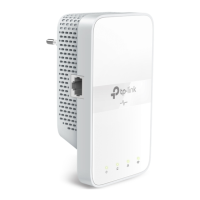
Extender
TL-WPA7517
Adapter
TL-PA7017
Powerline
Router
WAN LAN
4. Pair the powerline devices.
a . Press the Pair button on the powerline adapter for 1 second. The Power LED starts
blinking.
Note: If the Power LED does not blink, press the Pair button again.
a . Within two minutes, press the Pair button on the powerline extender for 1 second.
The Power LED starts blinking. When the Powerline LED turns solid on, the pairing
process is complete.
I want to:
How can I do that?



 To Next Page