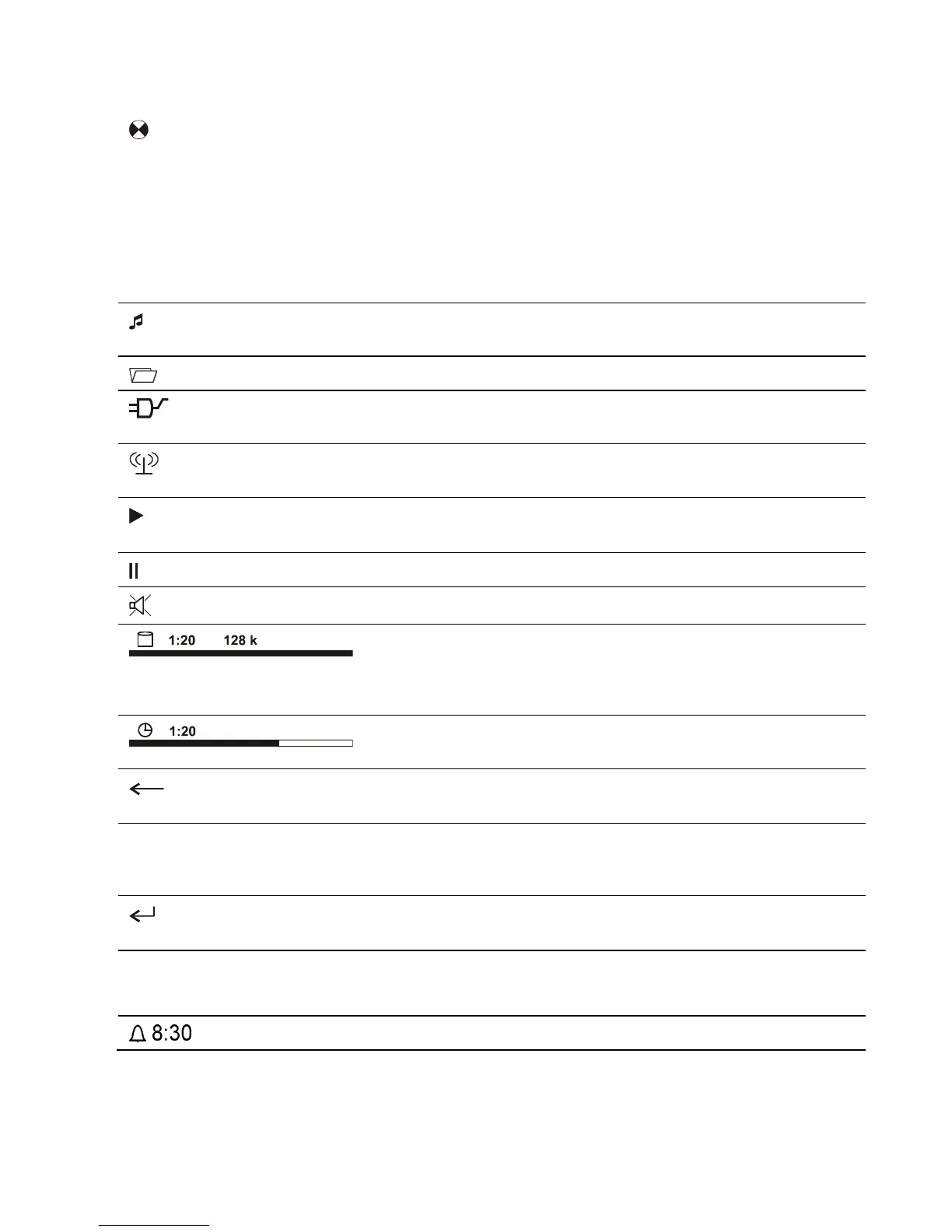
Screen symbols and their meaning
(Wait / Busy)
The rotating symbol indicates that the
is currently
processing a command, or is attempting to connect to a
service. These processes may take some time to complete
depending on the speed of your network and the load upon
it.
During such periods the
may be muted, and may not
respond to the controls. Please wait until the symbol
disappears, then try again.
which conceals further folders or lists.
Indicates that a source is being reproduced via a
Indicates that a source is being reproduced via a
Indicates that the
is reproducing a station or playing
back a music track.
Indicates that the speakers are switched off.
Buffer display (fullness indicator, memory display) and data
rate indicator (if available):
The higher the data rate, the better the quality of
reproduction.
Display of the elapsed playback time.
This information is not available for all services.
Indicates that the
button can be used to switch to a
higher menu or select level.
Position indicator in select lists. The first number shows the
current position in the list, the second number the total
number of list entries (length of list).
Indicates that the selected menu point or list point can be
activated by pressing the
button.
Display of the symbol input modes
Indicates that an alarm time is set and active



 To Next Page