44
Audio system
All the functions of the
are operated using the F100 remote control handset. Direct-access
buttons are provided for the essential functions such as source select and track select, whereas
less frequently required functions are controlled by means of menus which are called up using
the / button.
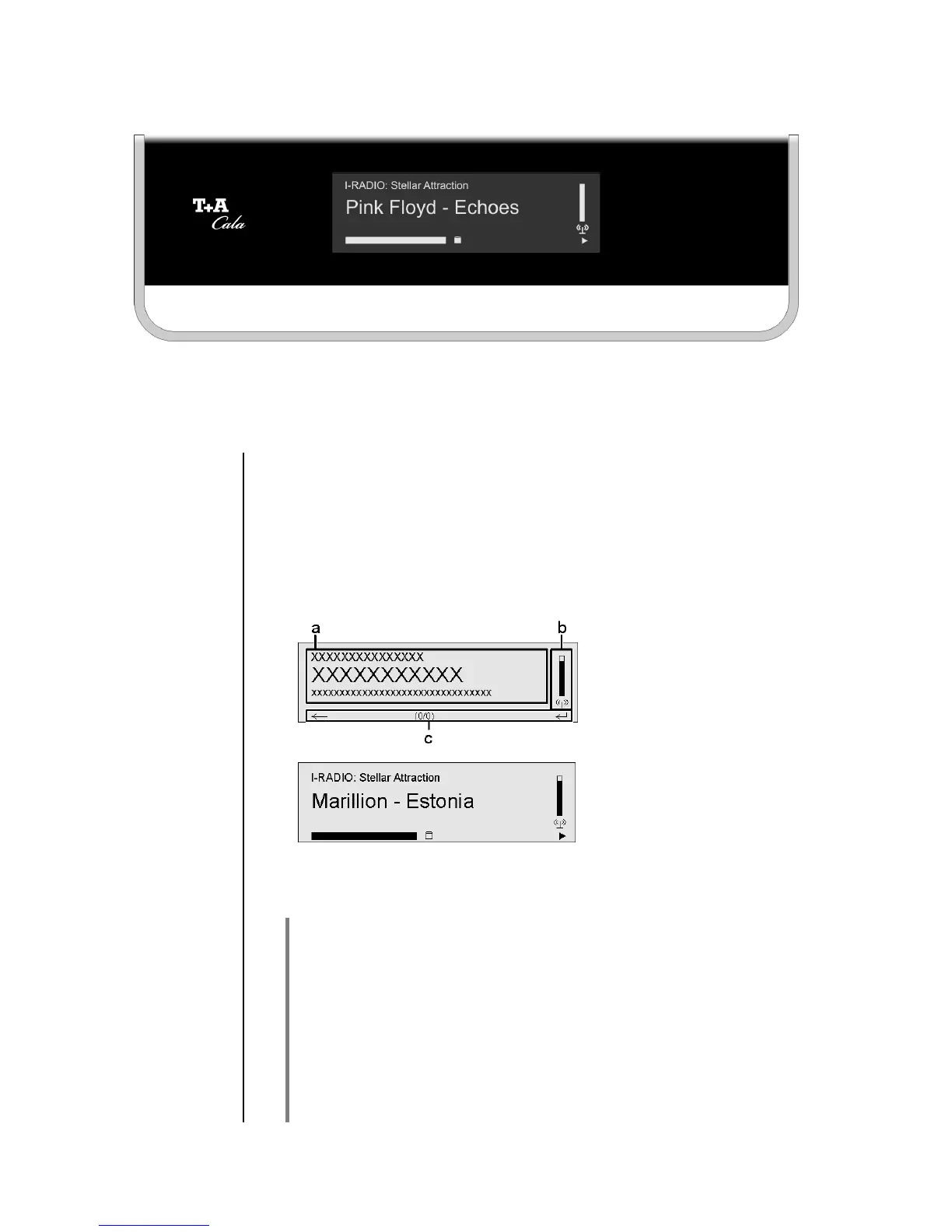
All information relating to machine status, the current music track and list
navigation is displayed on the graphic screen of the
. The display is
context-sensitive, and in part varies according to the capabilities and
facilities of the service to which you are currently listening.
The most important information is highlighted on the screen according to
context. Supplementary information is provided by symbols above and
below the main data. The symbols used are listed and explained in the
table below.
The basic areas of the
screen:
• Display field (a) shows
information relating to the
piece of music being
played. The essential
information is displayed
enlarged in the main line.
• Display field (b) shows
information relating to the
device / network / state of
reception.
e.g.
The bottom line (c) displays supplementary context-sensitive
information and operating notes:
The
provides different screen displays for the Streaming Client and
the radio.
• Large-format display:
Enlarged display of the most important information, clearly legible
even from a distance
• Detail display:
Small-text display showing a large number of additional information
points, e.g. bit-rate etc.
A brief press on the –button on the remote control handset is
used to switch between the display modes.



 To Next Page