TQ Environmental Limited
Page 12 of 43 17654PM Issue: 3 December 2022
3.0 Operation
When the TQ8000 Touch is first powered on the system starts loading EEPROM configuration
data and then enters ‘Start-up’ mode. It will remain in this mode for 120 seconds to enable the
sensors to stabilise. During the start-up mode the TQ8000 Touch will not generate any alarms
or activate any relays.
After start-up has completed the TQ8000 Touch will move to the ‘Normal’ mode.
A formatted SD Card may be inserted to allow for data logging functions. The Data Log file
may be viewed on the display or the SD Card inserted into a PC and viewed with Microsoft
Excel.
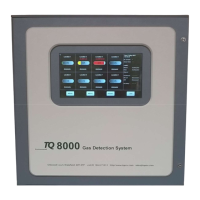
Figure 4
3.1 Normal Operation
For normal operating conditions the TQ8000 Touch display will show the system status
on the right-hand part of the screen. A typical display is shown below:


 To Next Page
 Loading...