9
2.2.1 Scan
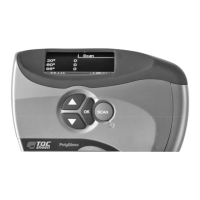
Select the Scan (Measure) option to immediately start scanning. For more
information, see chapter 4.
2.2.2 Log
Select Log to save measurements in different batches. For more information, see
chapter 5.
2.2.3 Setup/Log in
Select Setup (Settings) to change some of the glossmeter's settings. For more
information, see chapter 3. If a password has been entered, the main menu will
display the Log in option instead of Setup.
2.2.4 Power off
Select Power off to switch off the glossmeter manually. For more information, see
chapter 6.


 To Next Page
 Loading...