16
1. Select Setup in the menu.
2. Select More... and press OK.
3. Select Language and press OK.
4. Use the arrow buttons to select your language and press OK. The main menu
displays again.
3.9 Device info
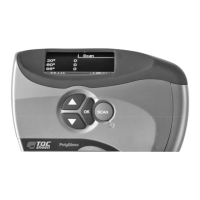
Here, you will find the serial number of your device as well as the version of the
firmware (internal software). This screen also displays the device's memory status.
Dev
ce
n
o
Serialno: 4660
Firmware: V00.11
Memory: 43% Free
► Back
Figure 3
‑
5 Device info


 To Next Page
 Loading...