2928
DE FR IT EN
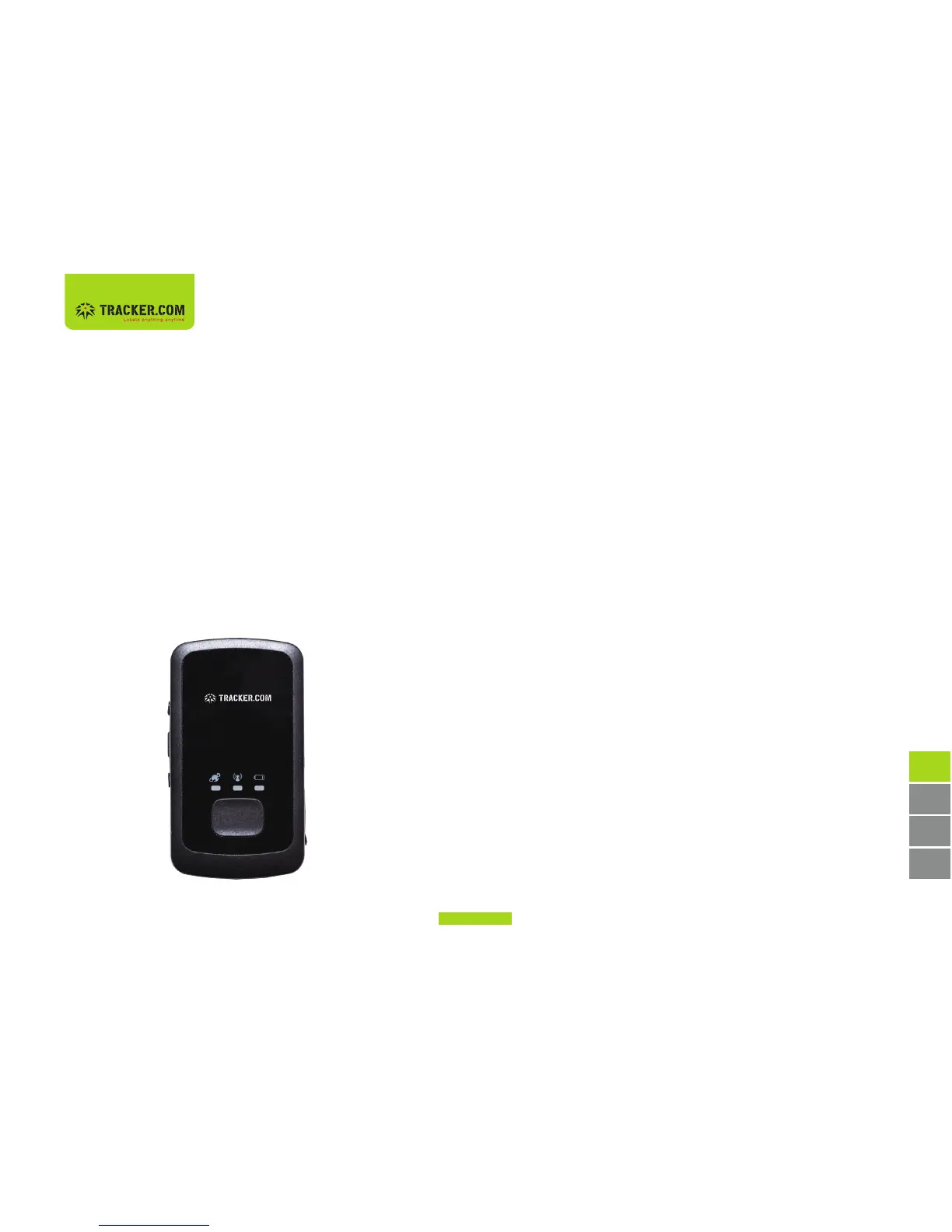
First stepsGPS Locator buttons and components
1. Plug the supplied power adapter into the mini
USB socket (4) and charge the battery until the
battery display (5) is constantly lit.
2. Hold the Mobile Locator outdoors, turn the unit
on and wait approximately 2 minutes until the
GPS position has been determined.
3. Check the position in the Dashboard at
https://admin.tracker.com
The Mobile Locator is now ready and fully functional.
(1) On/off
(2) SIM card slot
(3) SOS button
(4) Mini USB port
(5) GPS reception status display
(6) Battery display
(7) GSM reception status display
(7)
(1)
(2)
(3)
(5)
(4)
(6)


 To Next Page