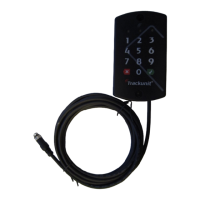
Trackunit 501 DualID
©Trackunit 2017
Step by step guide
(Main switch / breaker on)
“Verify tool”
Customer care
If you have a problem and cannot find the information you need in the product
your local
Trackunit representative or customer care in your area:
Denmark and other countries
Trackunit A/S
Telephone: +45 9673 7400
E-mail: support@trackunit.com
NOTE: Please
have the unit serial number ready when contacting customer care.
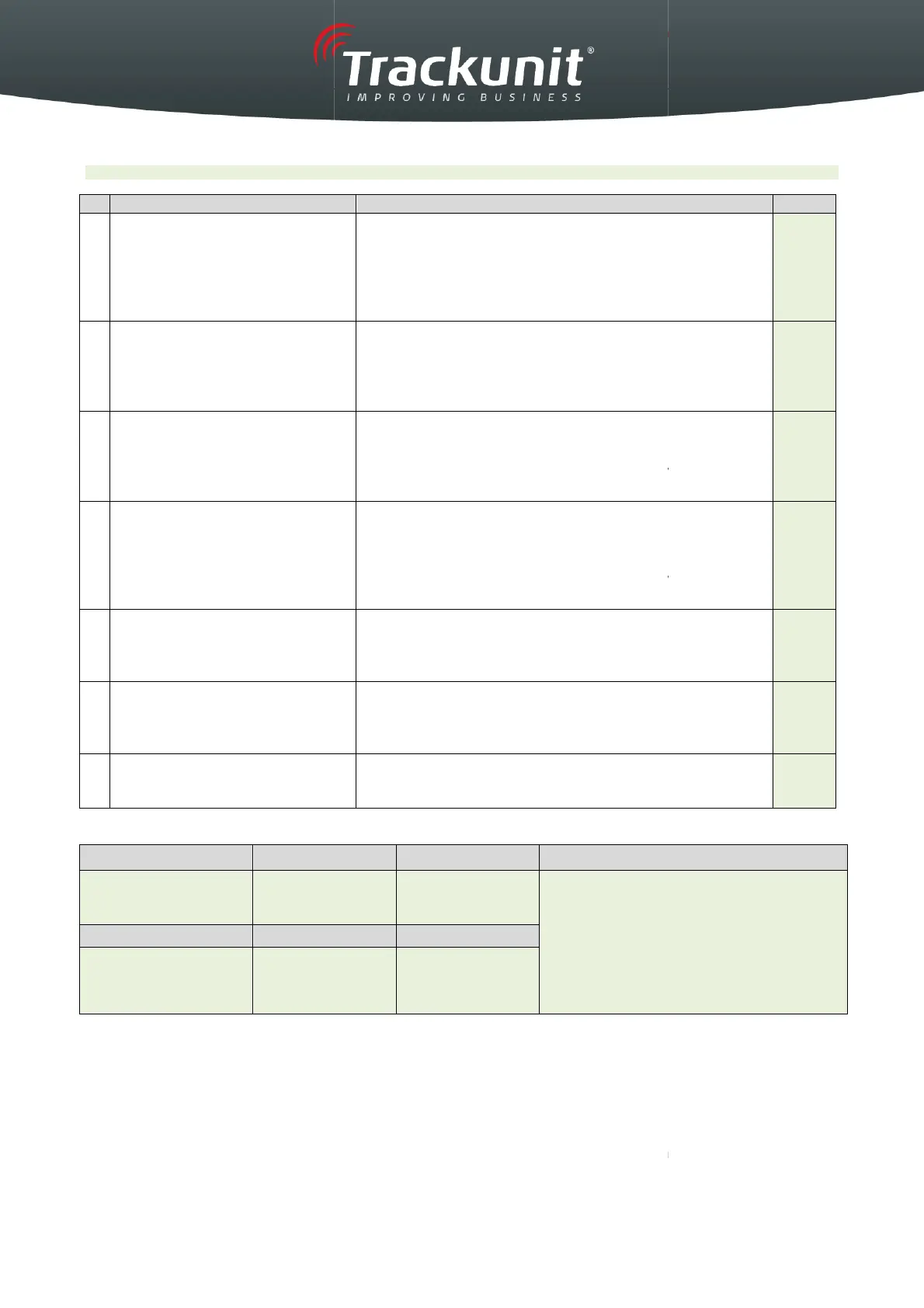
All green fields should be filled out
- Beep sound
- LED 1: Yellow light
- Power Supply min. 9
Volt according “Verify tool”
-
GPS Signal min. 30 according “Verify tool”
-
GSM Signal min. 15 according “Verify tool”
- Relay “clicks” on
- LED 1: Yellow light
- LED 3: Green light
-
Input2 is “on” according “Verify tool”
- Engine starts
- LED 1: Yellow light
- LED 3: Green light
- Inputs
1 and 2 are “on” according “Verify tool”
- Engine stops
- Relay “clicks” off
- LED 1: Yellow light
- LED 3: No light
- Inputs
1 and 2 are “off” according “Verify tool”
- LED 1: Yellow light
- Power Supply min. 10 Volt
- Inputs 1, 2
are “off” according “Verify tool”
- Set “Engine hours – start”
Trackunit Manager using the “
- Complete machine data below.
Place the label
contain
ing serial number and GSM
number here.
If you have a problem and cannot find the information you need in the product
Trackunit representative or customer care in your area:
Trackunit GmbH
Telephone: +49 5321/74340-0
E-mail: supportde@trackunit.com
Email: supportuk@trackunit.com
have the unit serial number ready when contacting customer care.
7001.0084 v1.2 23032017
Volt according “Verify tool”
GPS Signal min. 30 according “Verify tool”
GSM Signal min. 15 according “Verify tool”
Input2 is “on” according “Verify tool”
1 and 2 are “on” according “Verify tool”
1 and 2 are “off” according “Verify tool”
are “off” according “Verify tool”
in
”.
ing serial number and GSM
please contact
929 8061
Email: supportuk@trackunit.com


 To Next Page
 Loading...