7
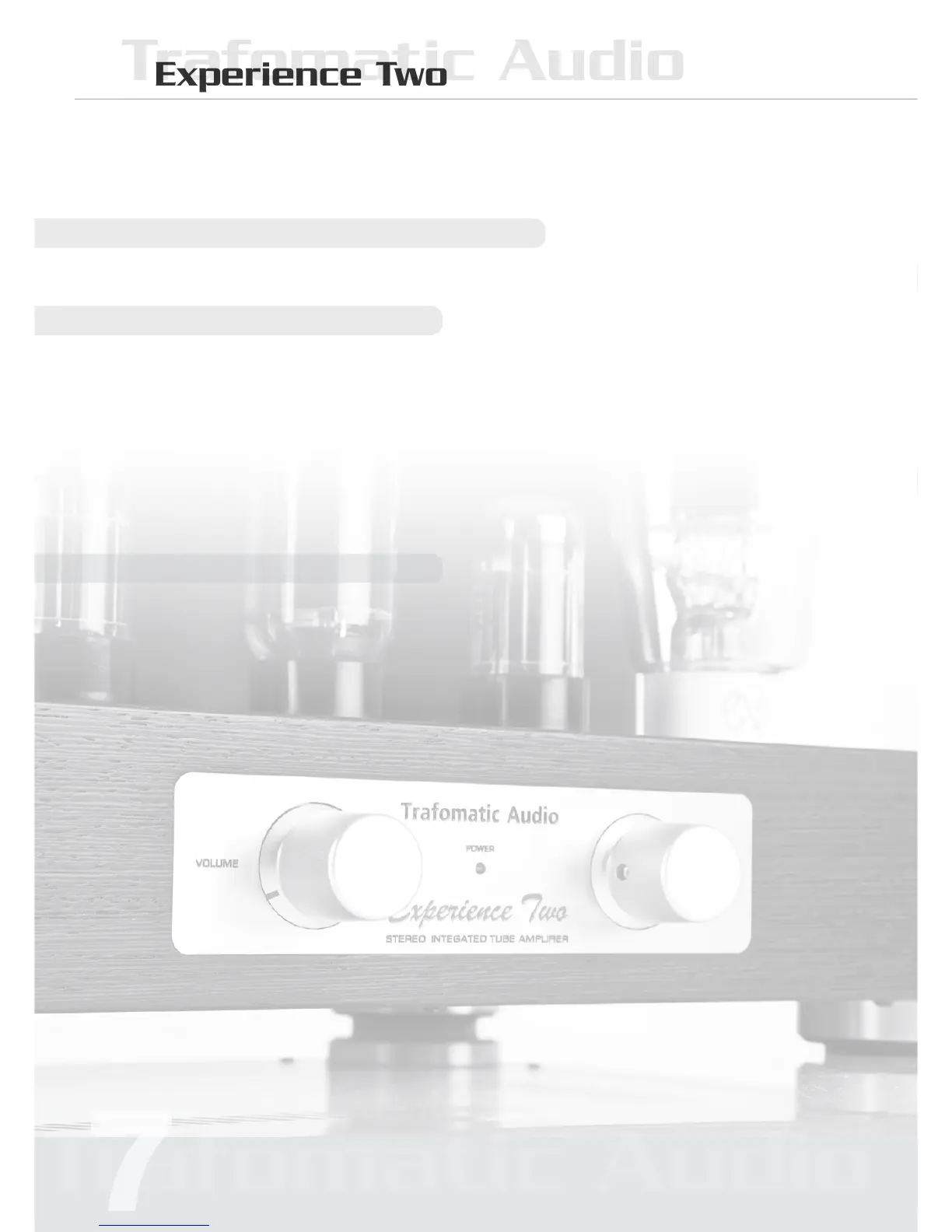
Front Panel
Selector Switch
The three position selector switch can be used to
select the active audio source.
Volume control
This control is used to adjust the output volume lev-
el. Turning the control knob clockwise increases the
sound level and turning it counterclockwise decreas-
es the sound level.
Back Panel
Power Switch
Press the power switch to (I) turn the power on.
Within10-20seconds,astheheatersreachoperat-
ing temperature the tubes will begin to glow a soft
orangelight.Pressthepowerswitchto(0)toturnthe
unit off. As the heaters cool off, the orange glow will
slowly disappear.
It is normal for a vacuum tube equipment to
run warm if used for prolonged periods. Tubes
are operating at much higher temperature and
should not be touched for at least ten minutes af-
ter the unit is turned off to prevent burns. Always
place your amplier away from children and pets
to prevent burns.
Audio signal connection jacks
Use these jacks to connect the audio interconnects
fromyourcomponentstotheamplier.
Speaker terminals
Your amplier has two output channels, the Right
OutputandtheLeftOutput.Eachoutputchannelis
designed to handle one speaker. Follow the instruc-
tions outlined in the Operating Procedure for the cor-
rect speaker connections.



 To Next Page