6 EN
NFC pairing
1. Make sure you turn on the NFC function
on your phone and your phone’s screen
remains active.
2. Place your phone over the headset so
that the NFC detection area of each
device can touch each other.
3. Pair the headphones with the mobile
phone. For detailed information, refer to
the user manual of your mobile phone.
Note
•
Make sure your mobile phone has the NFC feature
available and switched on.
• Make sure your mobile phone is not in standby
mode.
• Pairing with NFC is only suitable for Android
mobile operating system 4.2 or above.
• Refer to the user manual of your mobile phone to
identify its NFC detection area.
The following example shows you how
to pair the headphones with your mobile
phone.
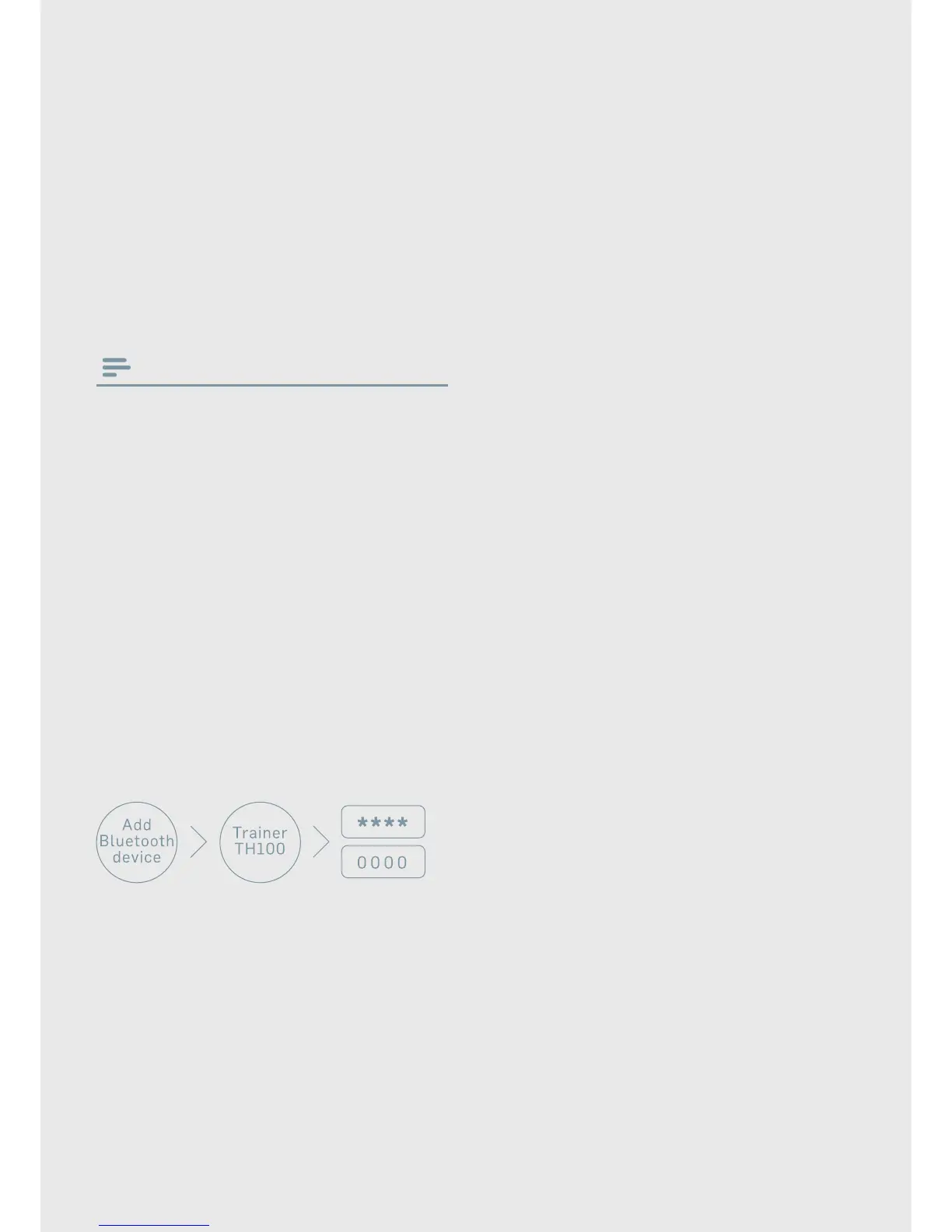
1. Activate the Bluetooth feature of your
mobile phone, select Trainer TH100.
2. Enter the headset password "0000" (4
zeros) if prompted. For those mobile
phones featuring Bluetooth 3.0 or
higher, no need to enter a password.


 To Next Page