CVGF-SVU02B-E4
39
Unit Control
Panel (UCP)
Each Settings subscreen consists
of a setpoints list and the current
value. The operator selects a
setpoint to change by touching
either the description or setpoint
value. Doing this causes the
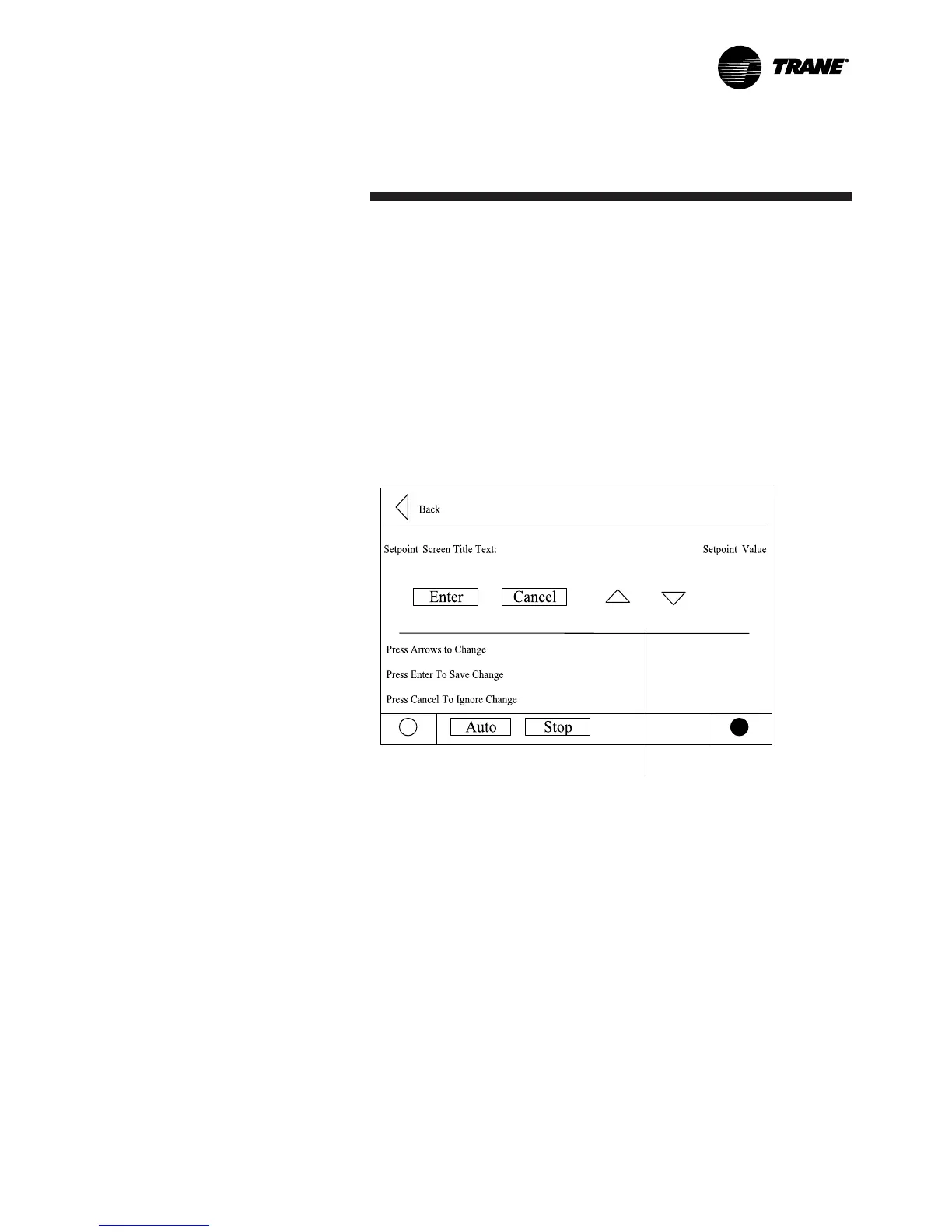
screen to switch to the Analog
Settings subscreen shown
below.
{
Note: Spin buttons used to
change setpoint value.


 To Next Page