11/29/2009
9
Installing on other PCs
D03_ WHS_PP1_UK
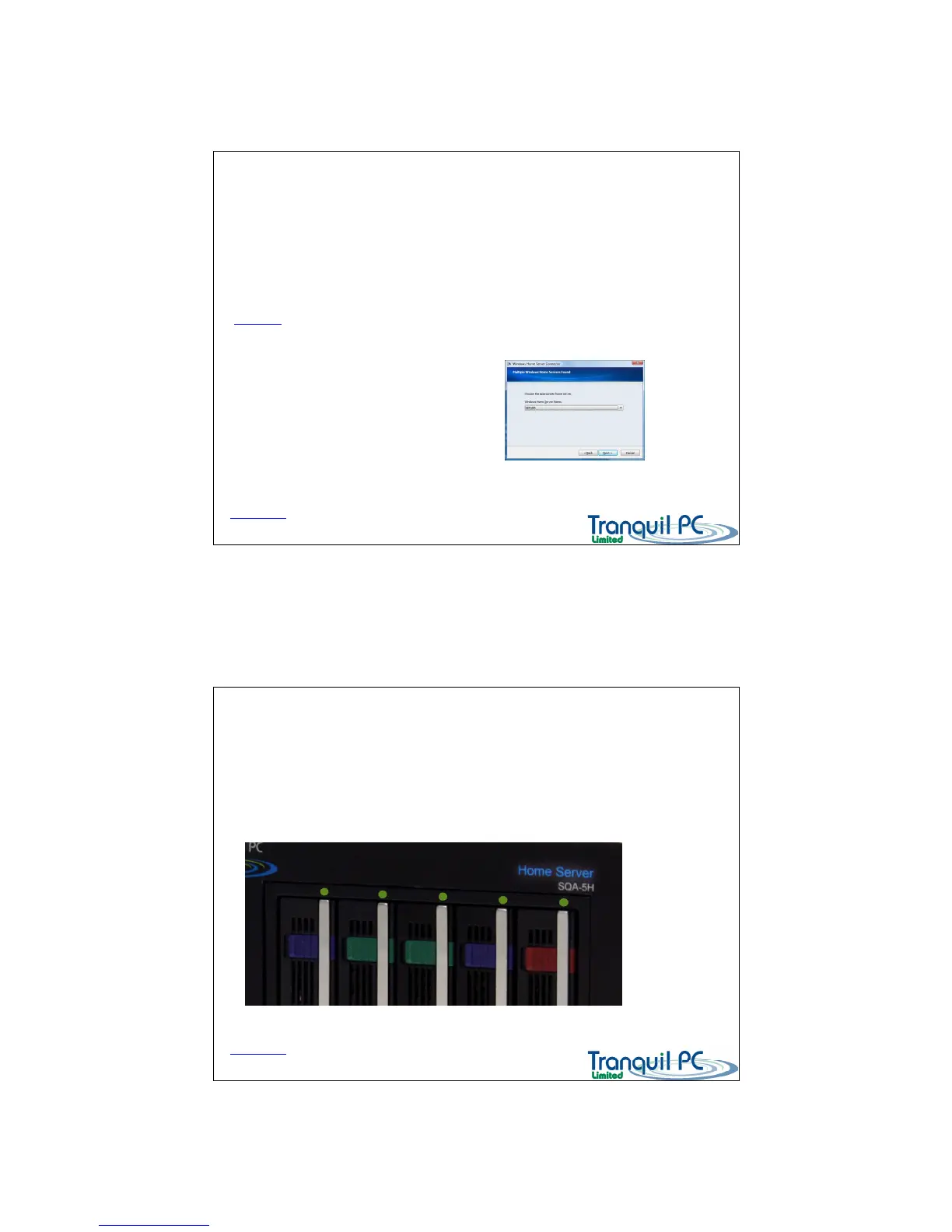
You need to run the Connector software on each of the PCs that you which to protect / backup.
You can install the Connector, either by inserting the START UP CD into each additional PC, and run the
‘Install Connector on additional PCs’ option from the index screen, or you can install directly
from the Home Server itself.
To install directly from the Home Server, please open a web browser page and enter
\\SERVER
(where SERVER is the name of your Home Server) – then you will prompted to
enter security details – the User is Administrator, and the password is your Home Server
password. Then click on the software folder, then the Home Server Connector Software folder
– finally run the file ‘setup.exe’
You will be guided through the installation process.
Back to Index page
The front panel status indicators - upper
D03_ WHS_PP1_UK
The front panel of the SQA-5H has numerous multi-coloured indicators to let you know what is going
on with your Home Server.
There is an LED above each Hard Disk bay – GREEN indicates a HDD is present in the bay, RED indicates
the disk is in use (accessed).
Back to Index page


 To Next Page