DR5000 READER INSTALLATION GUIDE
4
403-003-001 Rev A
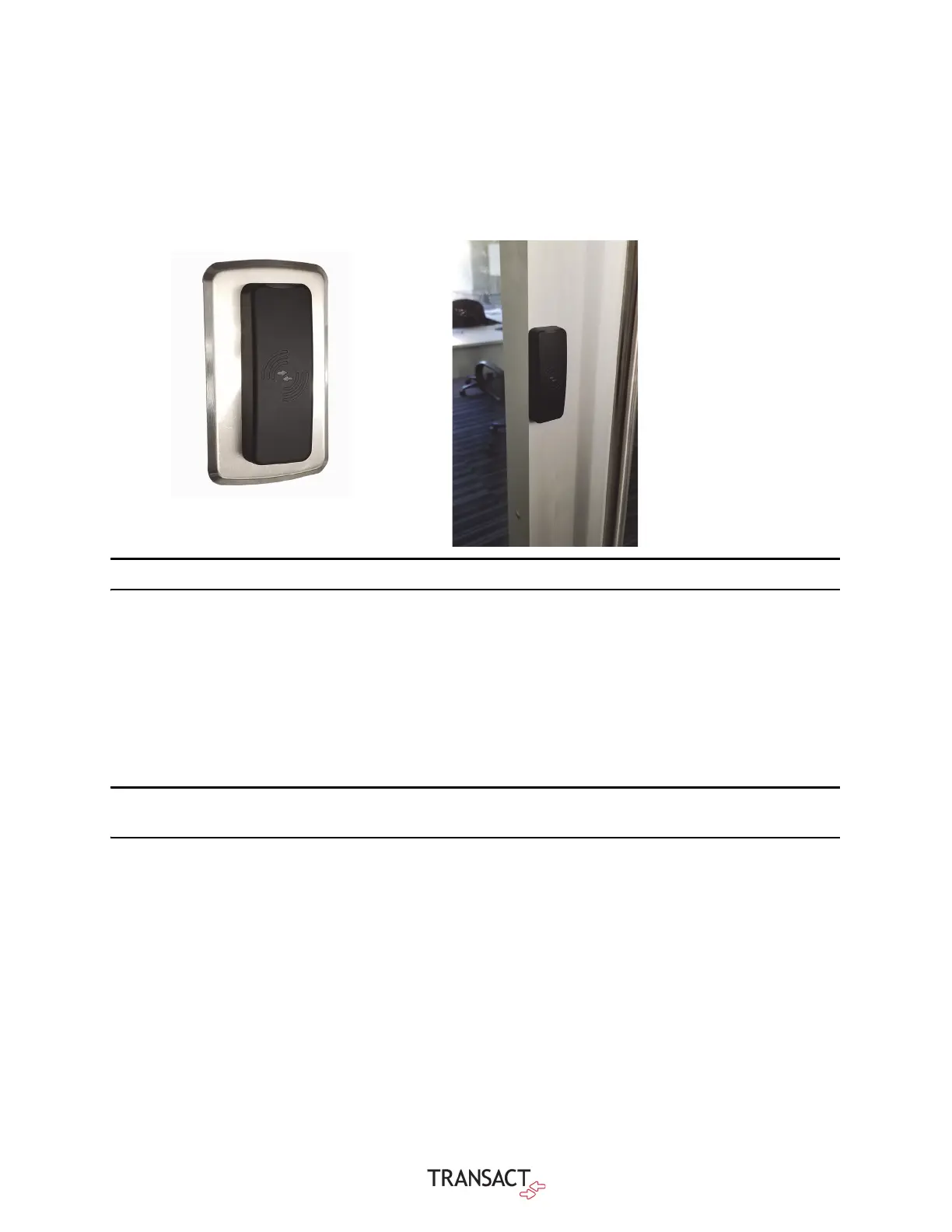
MOUNTING OPTIONS
Figure 1-3 Figure 1-3 DR5000 Mounting Options
Note: Mounting methods other than those shown have not been evaluated by UL.
Detailed Installation
1 For installations without a trim plate, use the mounting plate as a guide to drill mounting holes and cable
route opening in the mounting surface.
If using trim plate without single gang box, use holes and cable opening in trim plate as a guide to drill mounting holes
and cable route opening in mounting surface, Select mounting-hole size based on chosen fastener for the mounting
material. The trim plate is optional and can be ordered separately. The trim plate part number is TRMKT-DR5000.
Note: Use appropriate fasteners for the application (#6 x ¾ flathead sheet metal screws are
included in hardware kit).
2 Route cable through opening or to the single gang box, see wiring tables on step 6.
3 Install the trim plate if applicable.
• Single gang box, use #6 x ¾" flathead machine screws
• Without single gang box, install trim plate using selected fasteners
• Orientate the trim plate so the slotted hole is located on bottom.
4 Install the mounting plate.
• If trim plate is used, install mounting plate as shown in Figure 4 using #6 x ¼" panhead machine screws
• Without trim plate, install mounting plate using #6 x ¾" panhead sheet metal screws or chosen fasteners appropriate for the
mounting surface
5 Connect the wires to the terminal blocks. Refer to tables 2 and 3 for wiring connections.


 To Next Page