3
Driver Installation
Driver Installation for Windows 98SE
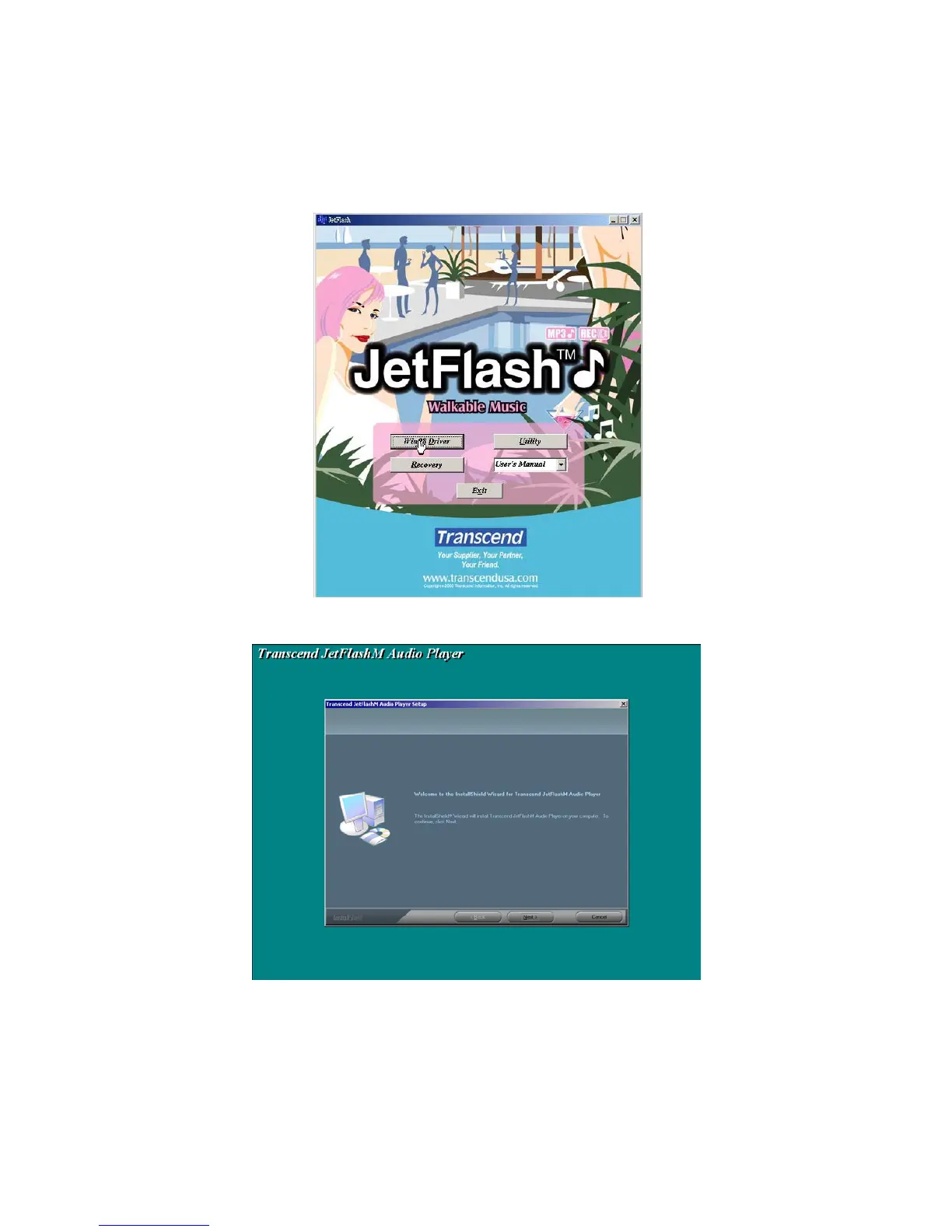
1. Put the Driver CD into the CD-ROM (Auto-Run supported). Click Win98 Driver button.
2. Click Next to continue.
3. The InstallShield Wizard guides you through the installation process.
4. Plug JetFlash into an available USB port. Your computer automatically detects this new
device. A new Removable Disk drive with a newly assigned drive letter appears in the My
Computer window.












 To Next Page