5
Example: 1. Create directory of /mnt/JetFlash first:
mkdir /mnt/JetFlash
2. mount JetFlash:
mount –a –t msdos /dev/sda1 /mnt/JetFlash
Data Storage
After installing the driver, simply plug JetFlash into an available USB port and you can use it like a
hard drive or other data storage device.
Uninstall
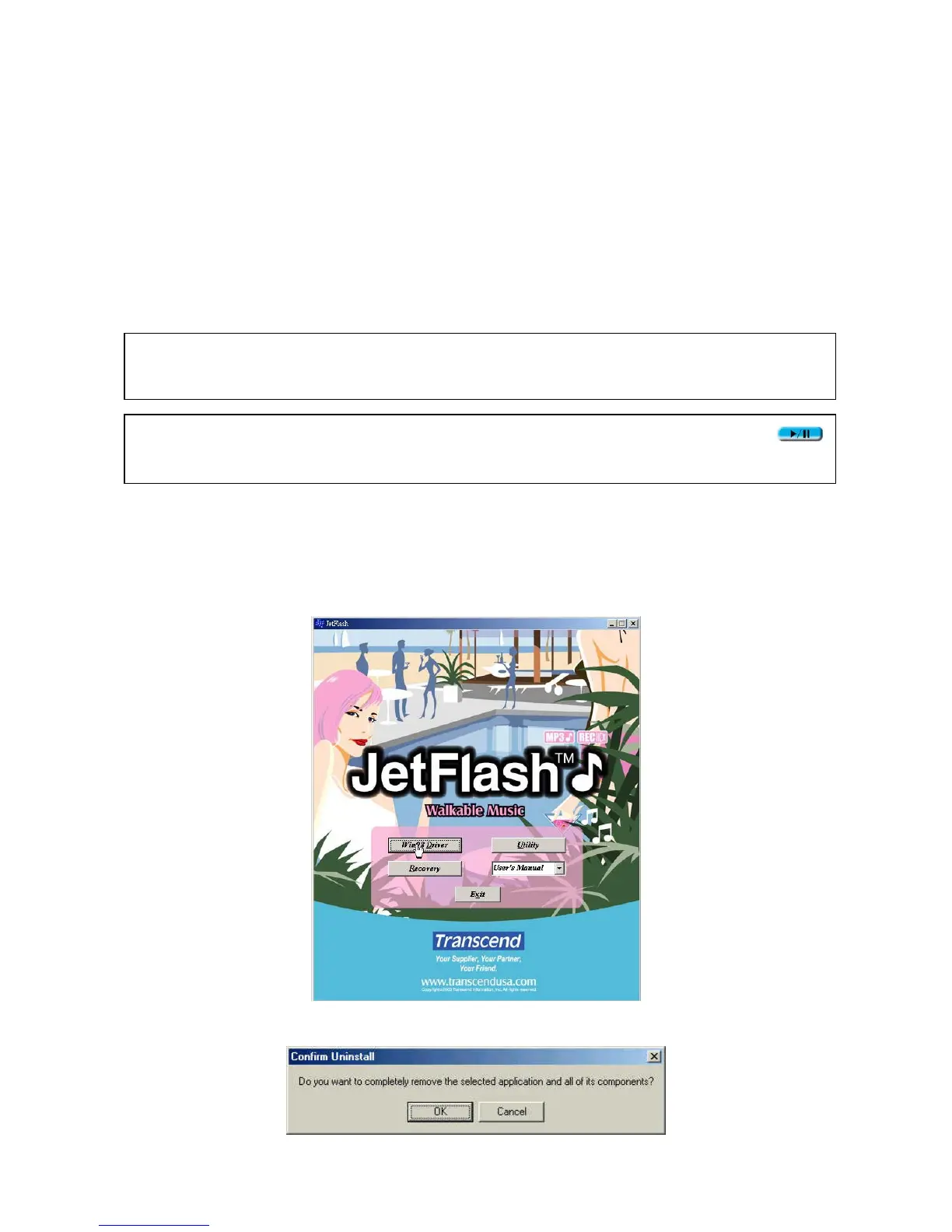
1. Put the Driver CD into the CD-ROM (Auto-Run supported). Click Win98 Driver button.
2. Click OK to continue.
WARNING: To prevent loss of data and/or damage to JetFlash, never remove a JetFlash
from a device while LED is flashing.
WARNING: To prevent the malfunction of JetFlash, never press the PLAY/PAUSE
button while JetFlash is connected with a USB Port.












 To Next Page