EasyManua.ls Logo

Transcend DrivePro 10 - LED Indicator Chart

Transcend DrivePro 10
29 pages
Print Icon
To Next Page IconTo Next Page
To Previous Page IconTo Previous Page
Loading...
9
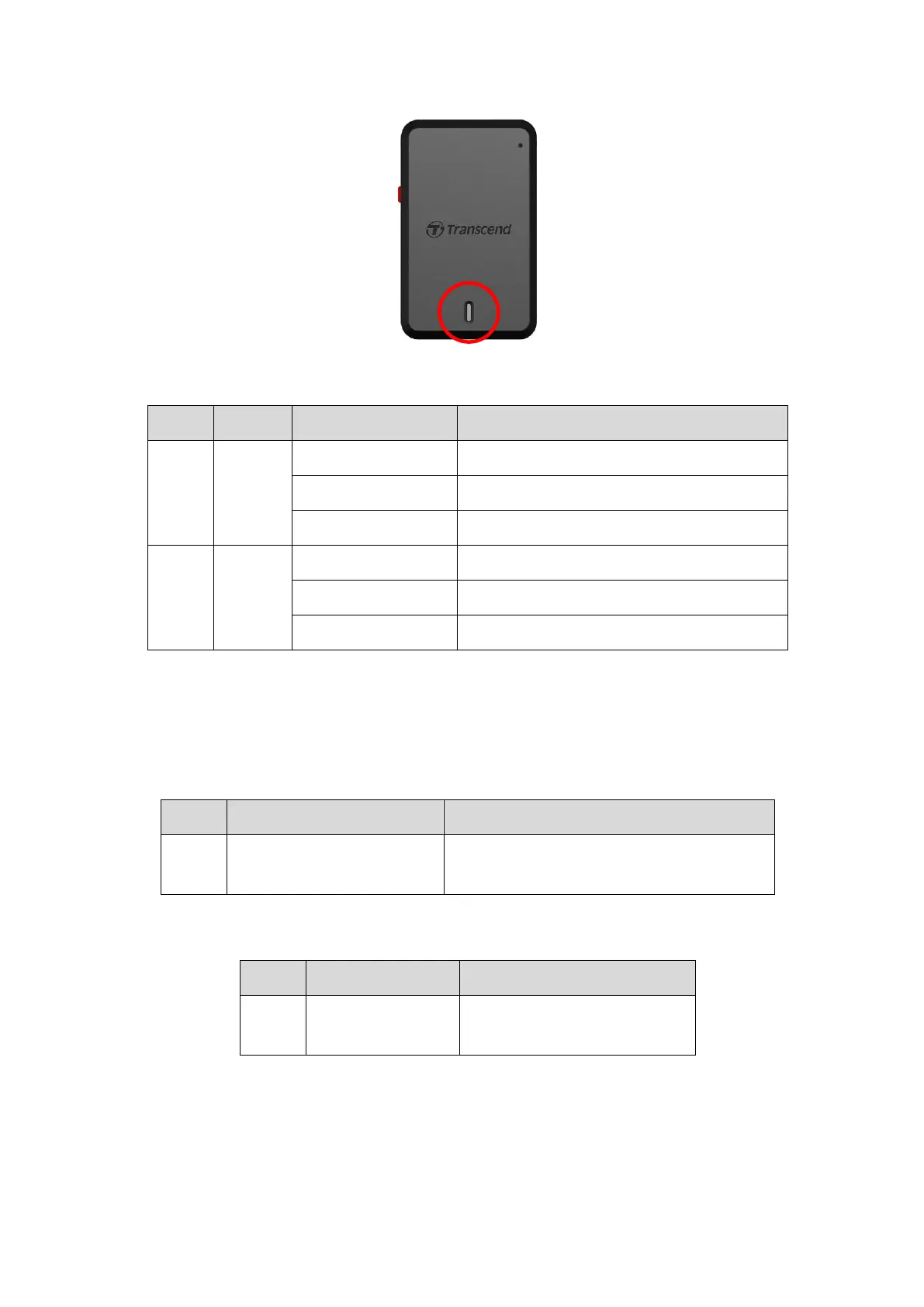
3-5 LED Indicator Chart
Recording:
LED
Wi-Fi
Status
Definition
blue
On
Flashing
Recording with Wi-Fi
Flashing Quickly
Emergency Recording with Wi-Fi
Solid
Standby with Wi-Fi*
red
Off
Flashing
Recording without Wi-Fi
Flashing Quickly
Emergency Recording without Wi-Fi
Solid
Standby without Wi-Fi*
Note: Wi-Fi connection is only available when the DrivePro is connected to power.
*The DrivePro will stop recording when a card error occurs or when you tap Data / Settings
using the DrivePro app.
Formatting memory card:
LED
Status
Definition
red
Flashing Very Quickly
Formatting microSD card
Connected to a computer:
LED
Status
Definition
red
Solid
Connected to computer

Related product manuals