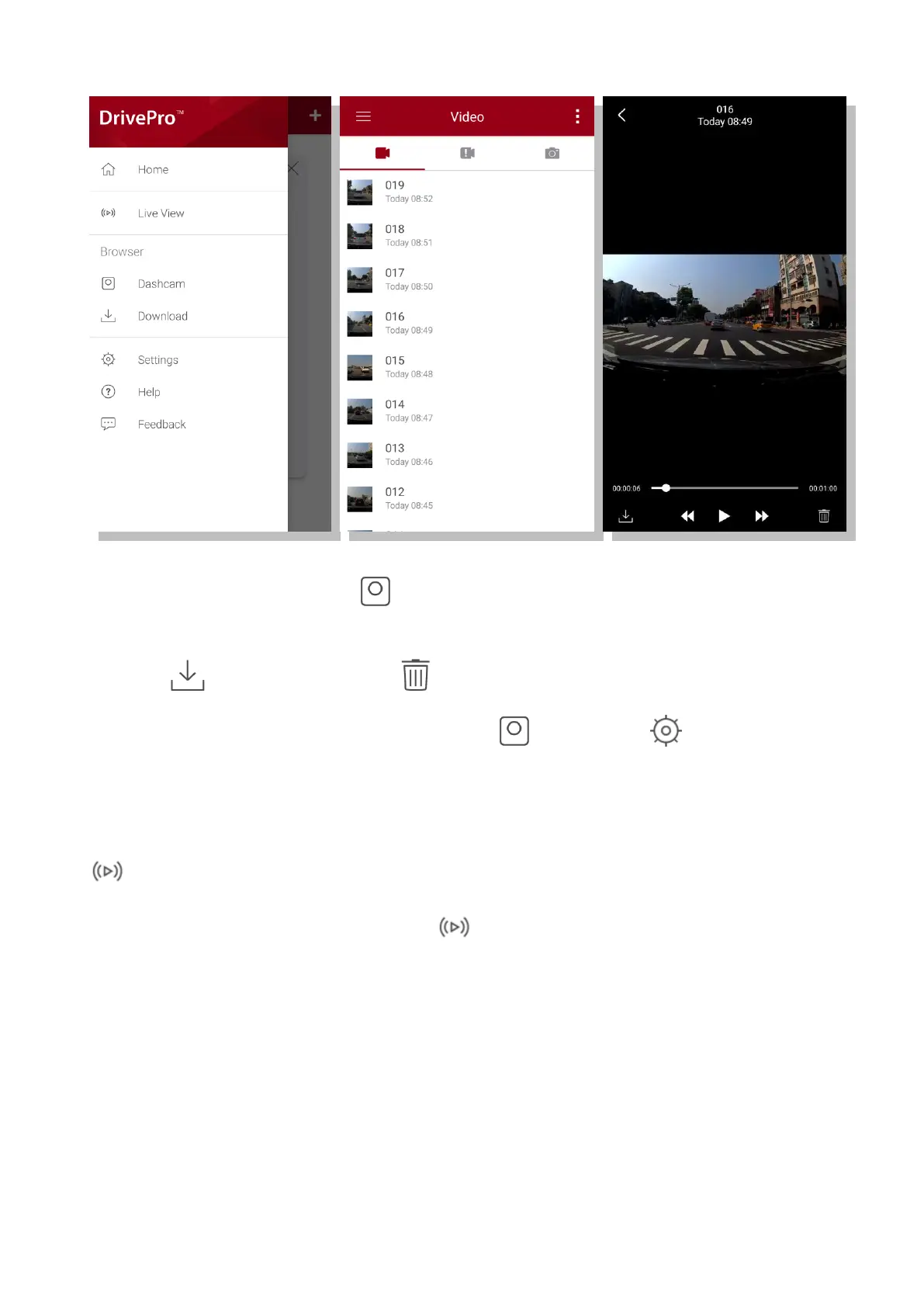
5-3 Playing Videos on a Smart Device
1. To browse saved clips, tap Browser.
2. You can play back videos recorded in normal or emergency mode.
3. Tap download a video, or to delete.
Note: The camera stops recording when you tap Browser or Settings in the app, the
front LED turns solid blue. The camera will resume recording when you quit the app.
Live View
To stream on your mobile device live, tap Live View.















 To Next Page