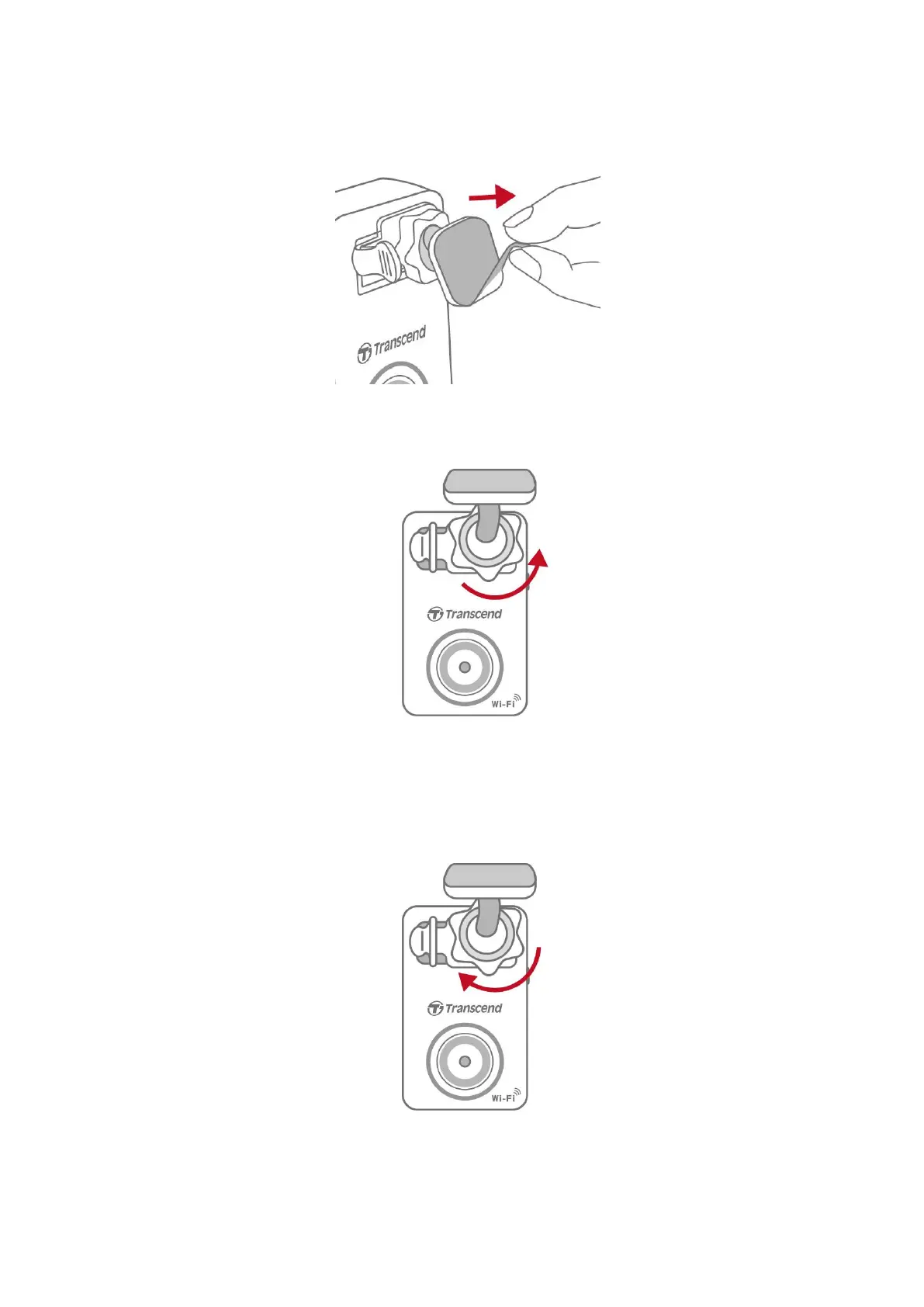
2. Thoroughly clean and dry the area of the windshield you wish to mount the DrivePro.
3. Peel off the protective film from the adhesive mount, and firmly attach the DrivePro to the
windshield or the rear-view mirror.
4. Turn the adjustment knob anticlockwise to loosen, and then adjust the DrivePro’s position.
5. After the DrivePro is in the best position, turn the adjustment knob clockwise to make sure
that the DrivePro is securely locked in place.















 To Next Page