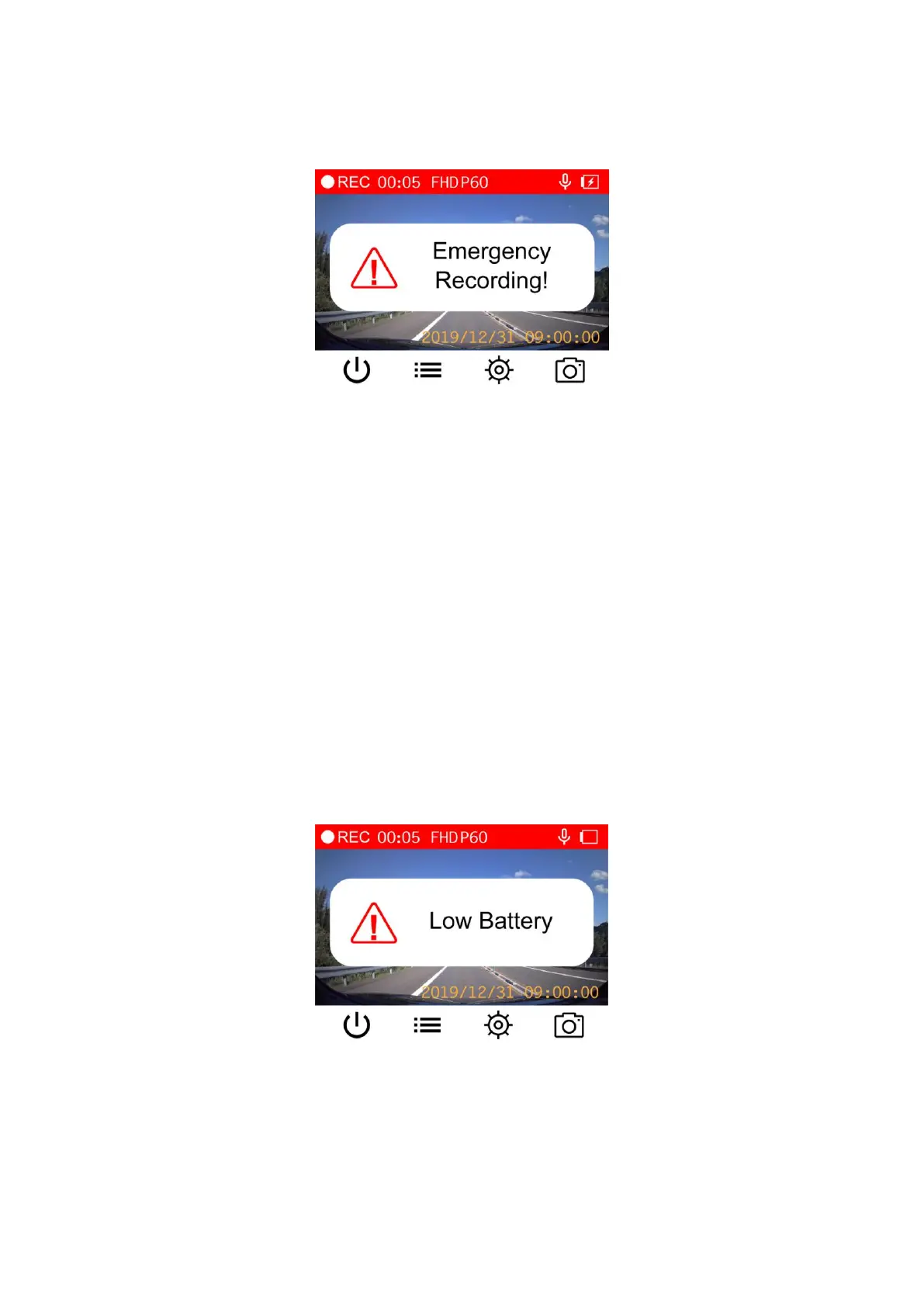
Manual Emergency Recording: During video recording, press the emergency button on the
left-hand side of the DrivePro to manually activate emergency recording mode. The emergency
icon will appear on the screen when activated.
G-Sensor Emergency Recording: During video recording, the DrivePro will automatically activate
Emergency Recording mode when detecting a collision.
If the G-Sensor sensitivity is set to “High”, even minor shocks will activate Emergency
Recording mode.
If the G-Sensor sensitivity is set to “Low”, only significant shocks will activate Emergency
Recording mode.
G-Sensor sensitivity can be adjusted or disabled in the Settings menu.
Note: The earliest emergency file will be overwritten by the latest emergency file recorded.
Low Battery
Please charge the DrivePro immediately after viewing the Low Battery warning to avoid errors
happening to the system time. Please avoid using the built-in battery to record videos directly.
Note: Please fully charge the DrivePro before using.















 To Next Page