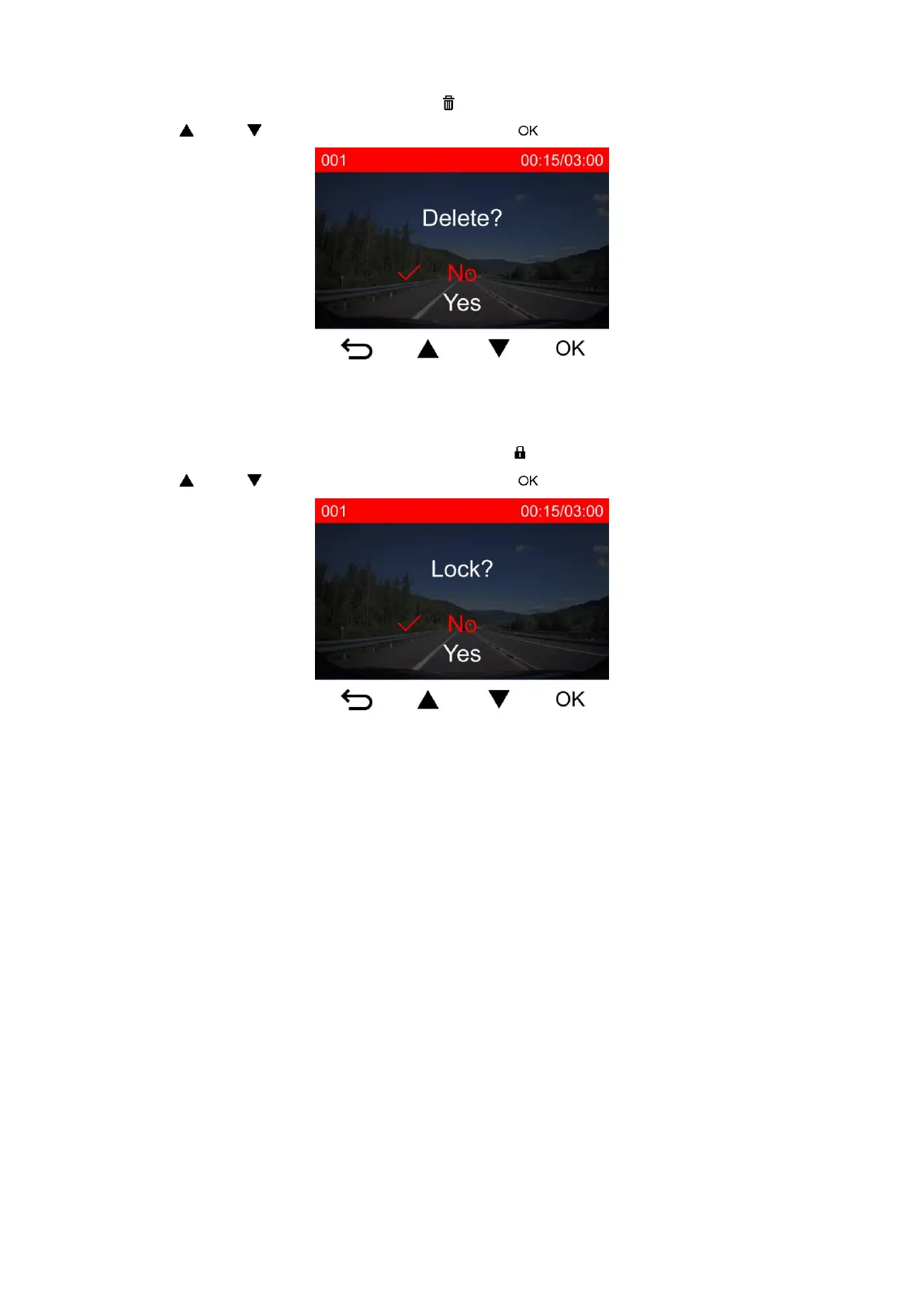
5-2 Deleting Videos
1. During playback of a video file, press . The message, “Delete?” will pop up.
2. Use / to select “Yes,” and press to delete the file.
5-3 Protecting Videos
1. During playback of a normal video file, press . The message, “Lock?”, will pop up.
2. Use / to select “Yes,” and press to protect the file.















 To Next Page