Settings︱
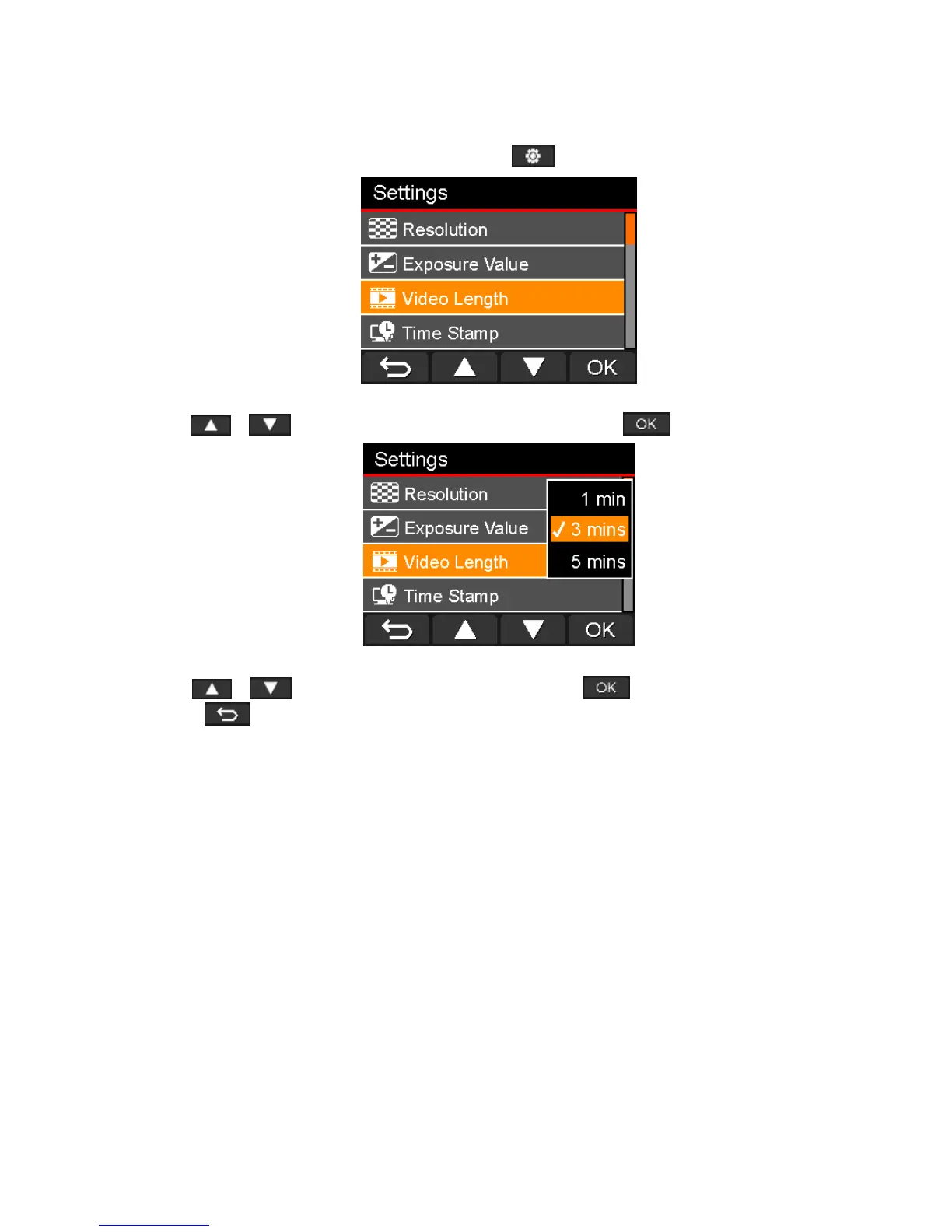
In the Settings menu, you can adjust settings of video resolution, recording time and G-Sensor sensitivity. You
can also set the date/time, change the interface language, format the memory card, and upgrade firmwares.
1. During video recording, press the Settings button .
2. Use / to select the desired menu option, and press .
3. Use / to select the desired setting, and press .
4. Press to return to the Settings menu.















 To Next Page