Using the DrivePro App on iOS and Android Devices︱
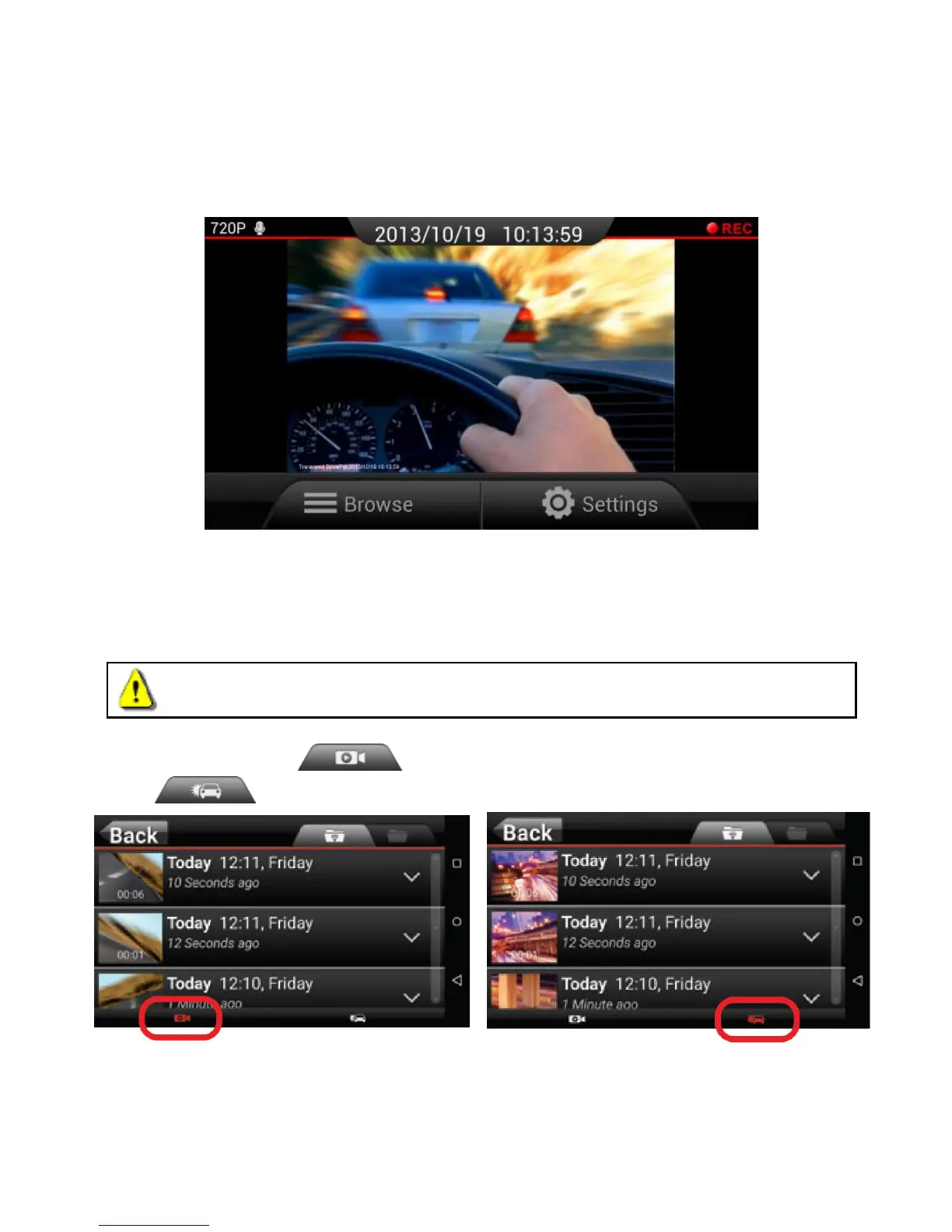
After the DrivePro App is launched while the DrivePro is connected, the real-time screen will be displayed in
landscape view.
Here you can see real-time video footages, recording format, microphone status, current time and recording
status.
Browse
1. Tap Browse from the DrivePro App home page.
WARNING: After tapping Browse, the DrivePro will automatically stop recording. To resume
recording, go back to the real-time view page.
2. Tap the Normal tab to view Normal video files or tap the Emergency tab
to view Emergency video files.















 To Next Page