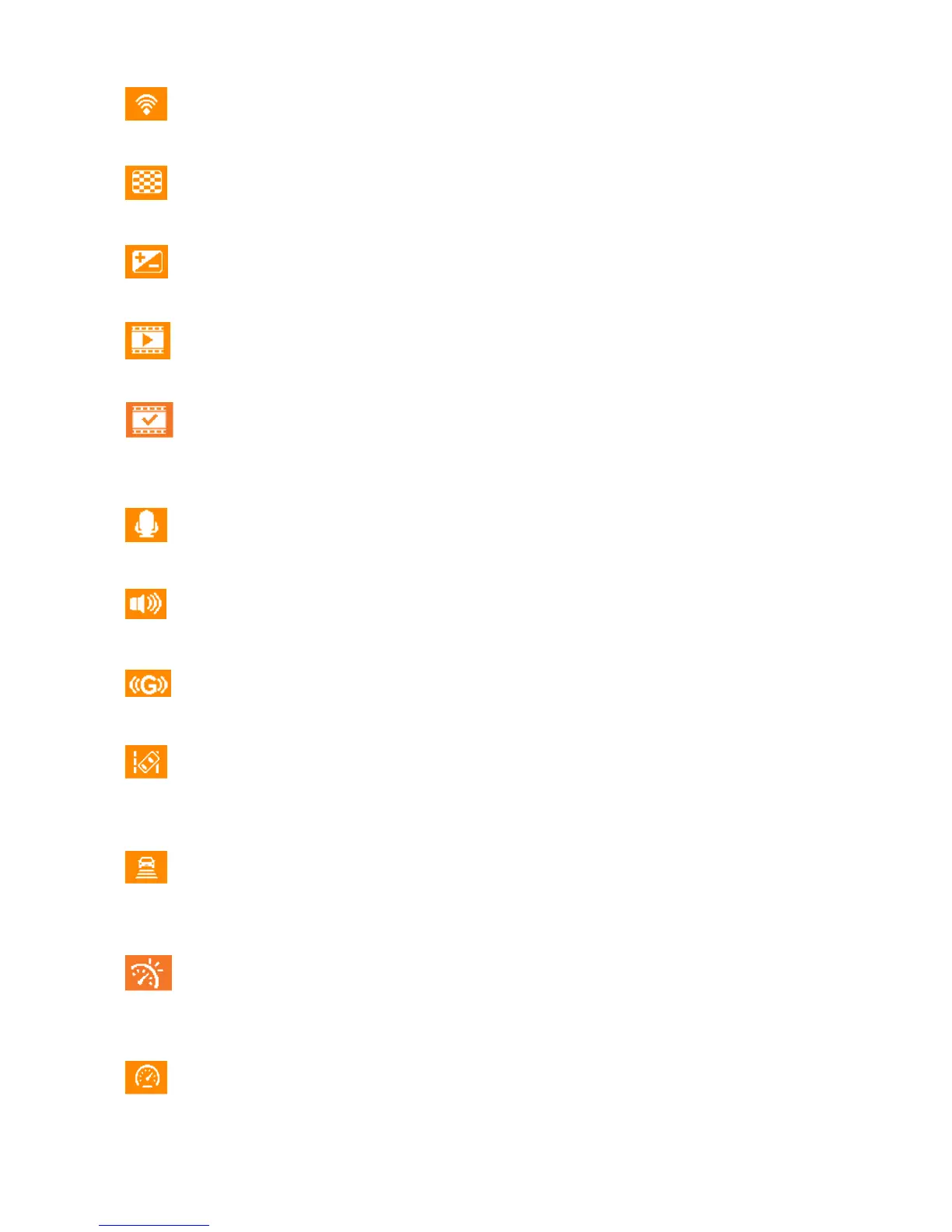
Menu Options
Wi-Fi Connection: Enable/disable Wi-Fi connection on DP220.
Available options: On / Off
Resolution: Set the resolution/quality for video recording.
Available options: 1080P (FHD) / 720P (HD)
Exposure Value: Adjust exposure composition value to lighten or darken the preview screen.
Available options: +2.0 / +1.5 / +1.0 / +0.5 / 0 / -0.5 / -1.0 / -1.5 / -2.0
Video Length: Set the recording length of each recorded video file.
Available options: 1 min / 3 mins / 5 mins
Video Stamp: Display the current time of the event or GPS information of the video being
recorded.
Available options: Disable / Time / GPS / Both
Voice Recording: Turn on/off the microphone during video recording.
Available options: Enable / Disable
Volume: Set the speaker volume level.
Available options 0 / 1 / 2 / 3 / 4 / 5 (You can choose 0 to switch on Silent Mode)
G-Sensor: Adjust the sensitivity of the G-Sensor.
Available options: Disable / Low / Medium / High
Lane Departure Warning System (LDWS): Alert the driver if the driving speed exceeds the value
set ahead.
Available options: Disable / 40 kilometers (miles) / ... / 180 kilometers (miles)
Forward Collision Warning System (FCWS): Alert the driver if the driving speed exceeds the
value set ahead.
Available options: Disable / 40 kilometers (miles) / ... / 180 kilometers (miles)
Speed Alarm: Alert the driver with warning beeps if the driving speed exceeds the value set
ahead.
Available options: Disable / 40 kilometers (miles) / ... / 180 kilometers (miles)
Speed Unit: Set the measurement unit of speed.
Available options: Kilometer / Mile















 To Next Page