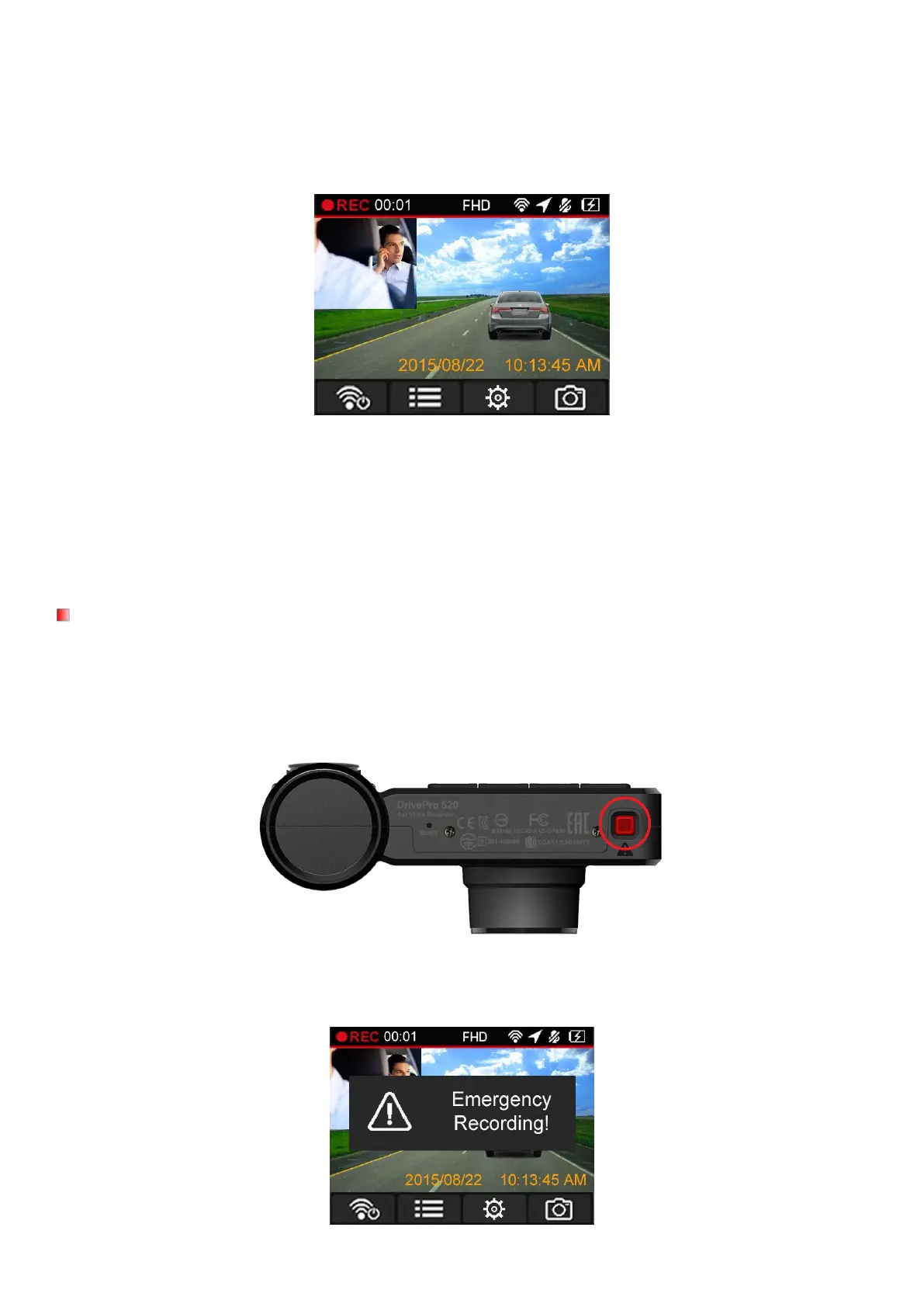
After the car engine is switched on, the DrivePro will automatically turn on and start recording.
By default, one video file is saved for every 3 minute of recording. To adjust the recording length, please
refer to the Settings section in this manual.
After the car engine is switched off, the DrivePro will automatically save the current recording and power off.
Note: Lighter sockets of some types of vehicles will still supply power after the car engine is turned off. If
your car is of this type, please unplug your car video recorder from the lighter socket to avoid
unnecessary power consumption and unexpected issues.
30% of the storage space will be saved for emergency video files. Video files recorded in emergency mode
are protected from being overwritten.
Manual Event Recording: During video recording, press the emergency button on the bottom of the
DrivePro to manually activate emergency recording mode.
A warning will appear on the screen when the emergency recording is being activated.















 To Next Page