Inserting a microSD Memory Card
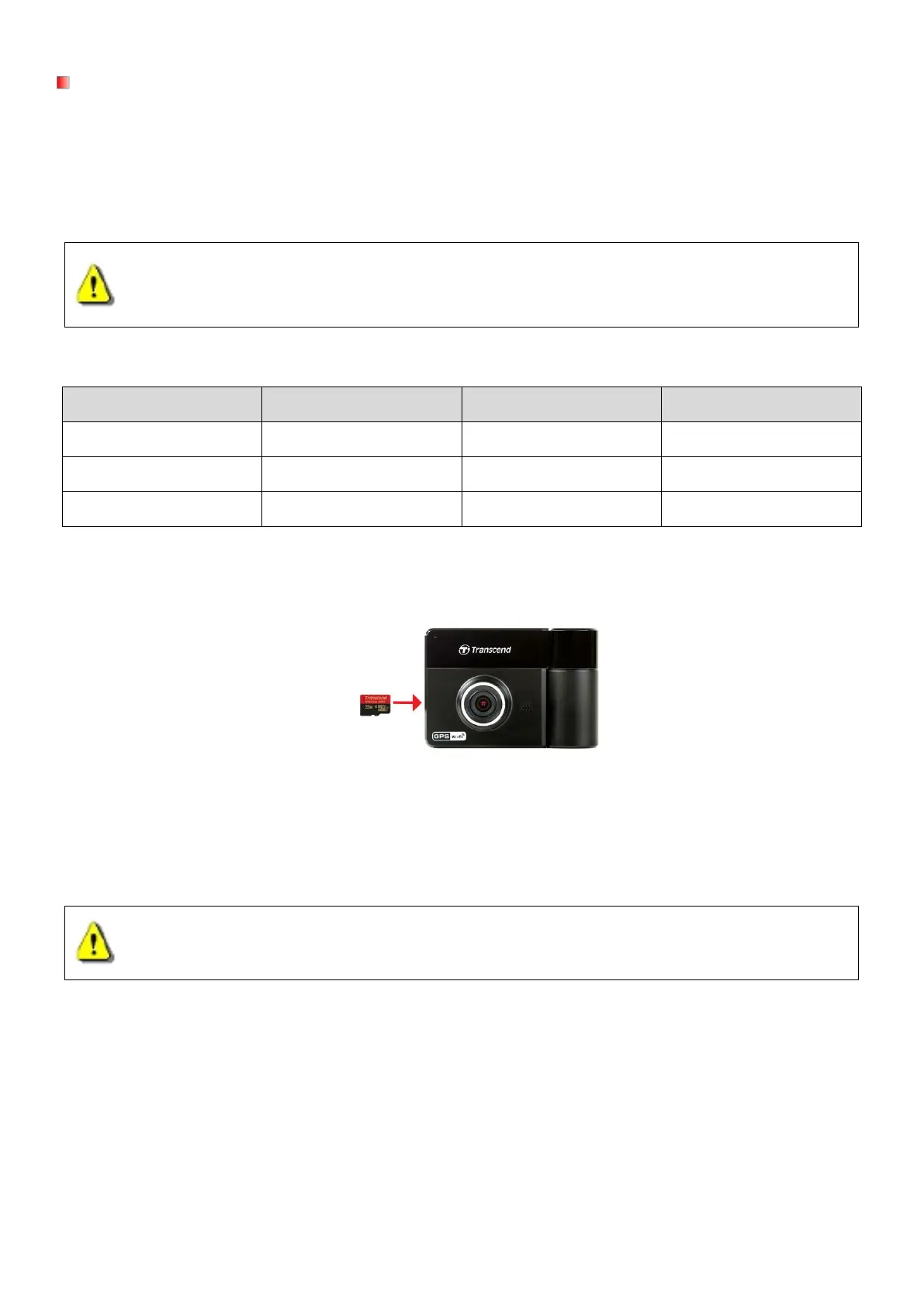
You must insert a microSD memory card into the DrivePro before you can start recording. Please use a
MLC-based microSD memory card with 8GB, 16GB or 32GB capacity (Class 10 or above).
1. Insert a microSD memory card into the appropriate card slot on the bottom of the DrivePro.
Note: Always format new memory cards in the DrivePro before using them for the first time. To
format a new memory card, press the Settings button during recording, and select Format Card.
WARNING:
1. DrivePro 520 can only support FAT32 file format, but not NTFS.
2. Be sure to set the Allocation Unit Size to 32 KB when formatting the microSD card.
The following table shows approximate recording time according to capacity and resolution (for
Card Capacity (FAT32) Full HD + 480P 1080P + 720P 720P + 720P
8GB 0 hr 50 min 1 hr 10 min 1 hr 25 min
16GB 1 hr 40 min 2 hr 20 min 2 hr 50 min
32GB 3 hr 20 min 4 hr 40 min 5 hr 40 min
2. To remove, push to eject the memory card out of the slot.
WARNING: Do not remove the memory card during shutdown to avoid damages to the memory
card and loss of recorded videos.















 To Next Page