12
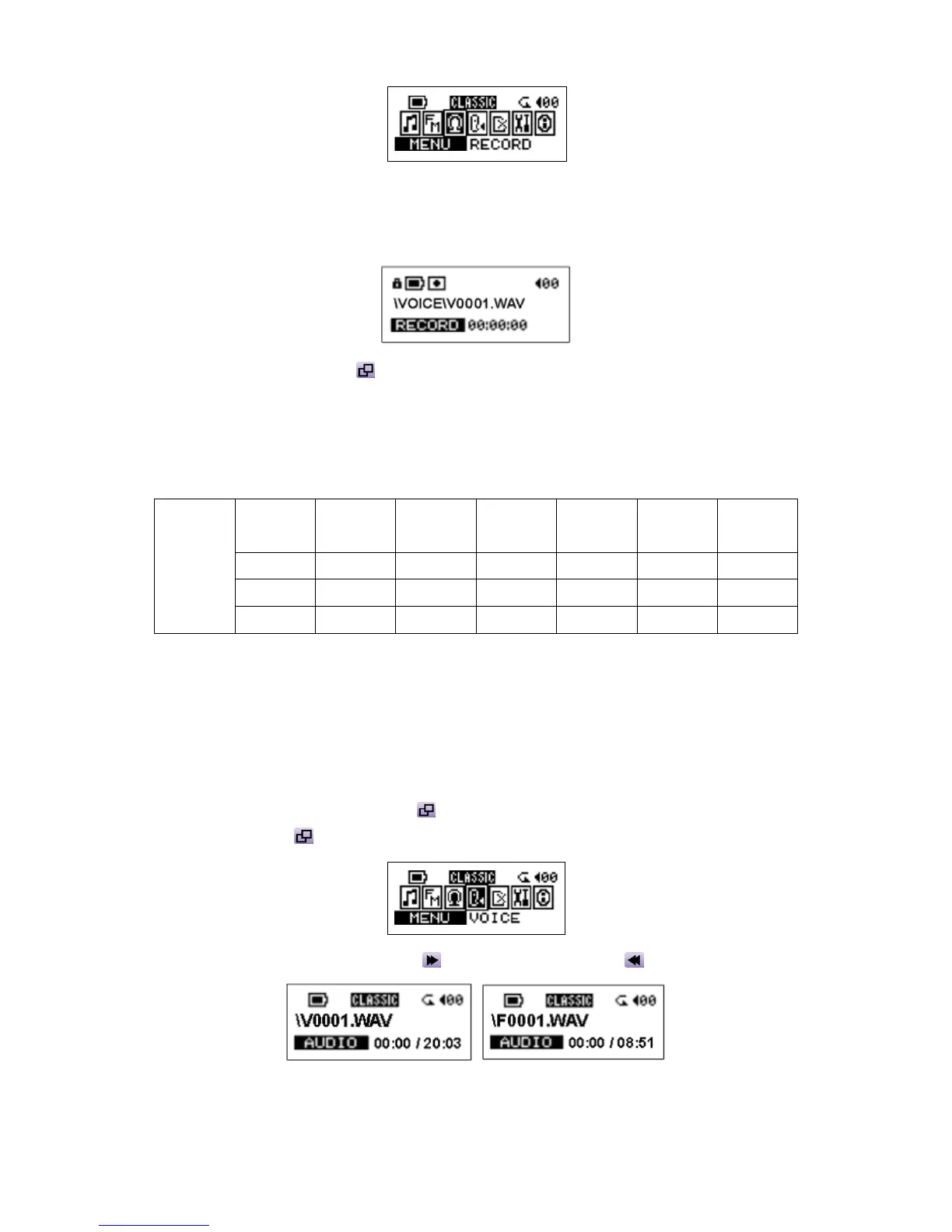
2. On the LCD Display, a recording file is generated and placed under the folder of [ \VOICE\ ].
The recording file name sequence starts from [ V0001.WAV ], and then [V0002.WAV ], and so
forth.
3. Press the Joystick inwards again to stop recording and the display will return to the menu.
Approximately: 128MB memory can store up to 8 hours of recorded voice.
256MB memory can store up to 16 hours of recorded voice.
512MB memory can store up to 32 hours of recorded voice.
1GB memory can store up to 64 hours of recorded voice.
Record
rate
Channels Sample
rate
128 MB 256 MB 512MB 1 GB
Low
1(mono)
8 KHz 8 hr 16 hr 32 hr 64 hr
Normal
1(mono)
16 KHz 4 hr 8 hr 16 hr 32 hr
Voice
Record
High
1(mono)
32 KHz 2 hr 4 hr 8 hr 8 hr
For a better quality recording, move the source closer to the microphone of your JetFlash.
Play the Recorded Files
To play the files recorded from the microphone or the FM radio
1. Press the Joystick inwards (Menu)
to enter the menu. Select the VOICE icon, and then
press the Joystick
again to enter the VOICE function.
2. Push the Joystick to the right (Next)
or to the left (Previous) to select a desired file.
3. Press the PLAY button to play the selected voice file.















 To Next Page