5
Decrease Volume
Push once or push and hold the Joystick downwards (Volume Down) until you have reached
the desired volume.
Repeat a Track
Please see “Repeat Mode” in “Settings” for detailed instructions.
Repeat All Tracks
Please see “Repeat Mode” in “Settings” for detailed instructions.
Repeat a Portion of a Track (AB Repeat)
Press the A-B button to mark the beginning of the portion you wish to repeat and then press the
button again to mark the end of the portion you wish to repeat. The marked portion is played as a
continuous loop when playing a MP3, WMA, or WAV track.
Hold
When the HOLD switch is set to the “HOLD” position, all of the buttons are disabled.
Data Storage Function
Driver Installation for Windows 98SE
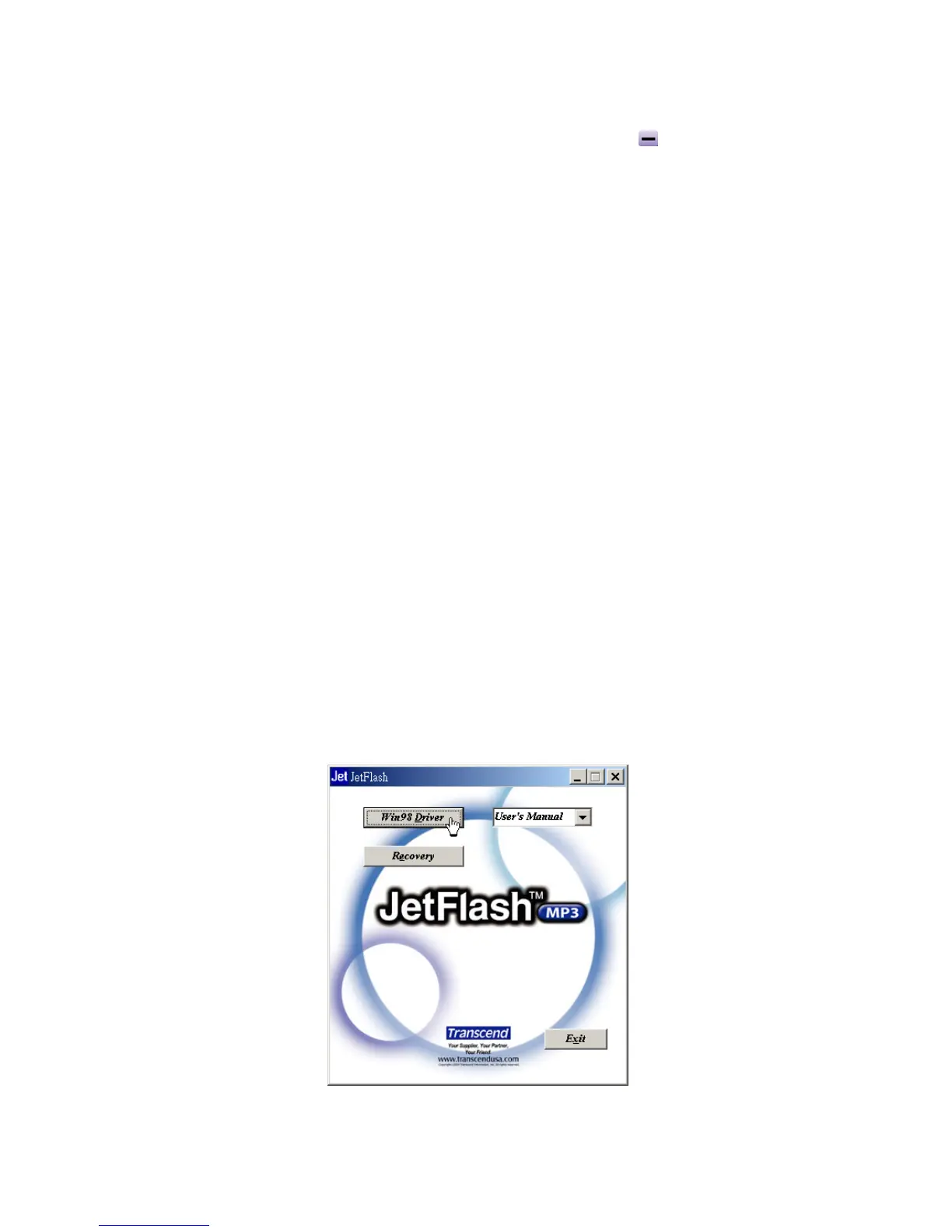
1. Put the Driver CD into the CD-ROM (Auto-Run supported). Select the Win98 Driver button.
2. Select Next to continue.















 To Next Page