4
Basic Operation
Power On
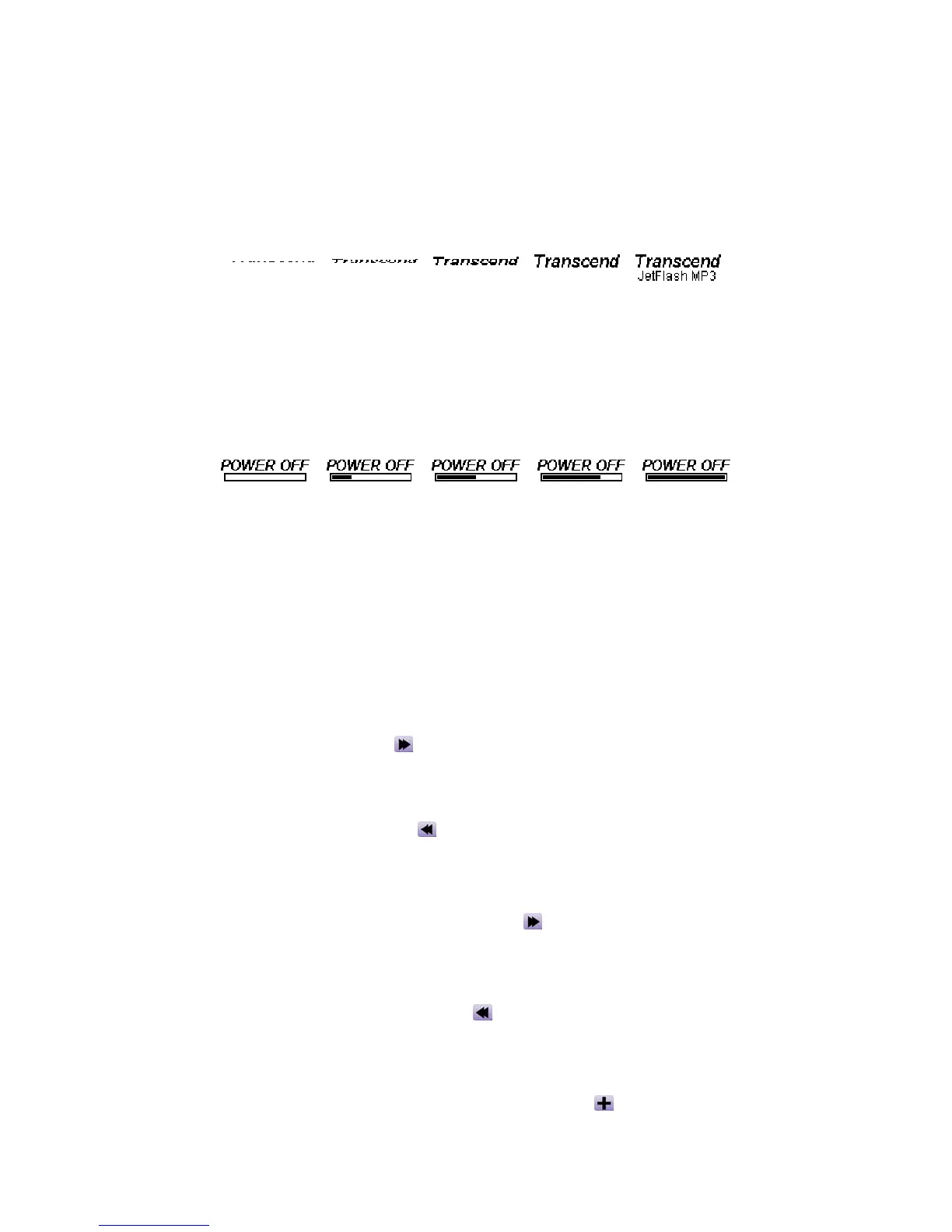
Press and hold the PLAY button to turn the power on. An animated logo will be shown on the
LCD Display first, and then you can start to use the JetFlash.
Power Off
Press and hold the PLAY button to turn the power off. In about three seconds the Power Off
Status Bar will appear on the LCD display to show you the Power Off status. Release the PLAY
button and the power will turn off.
Play a Track
Press the PLAY button to play a MP3/WMA or WAV track.
Pause a Track
Press the PLAY button to pause the track during playback.
Advance to Next Track
Push the Joystick to the right (Next) to skip to the next track.
Return to Previous Track
Push the Joystick to the left (Previous) to go back to the previous track.
Fast Forward
Push and hold the Joystick to the right (Fast-forward) to fast-forward the track.
Rewind
Push and hold the Joystick to the left (Rewind) to rewind the track.
Increase Volume
Push once or push and hold the Joystick upwards (Volume Up) until you reached the desired
volume.















 To Next Page