22
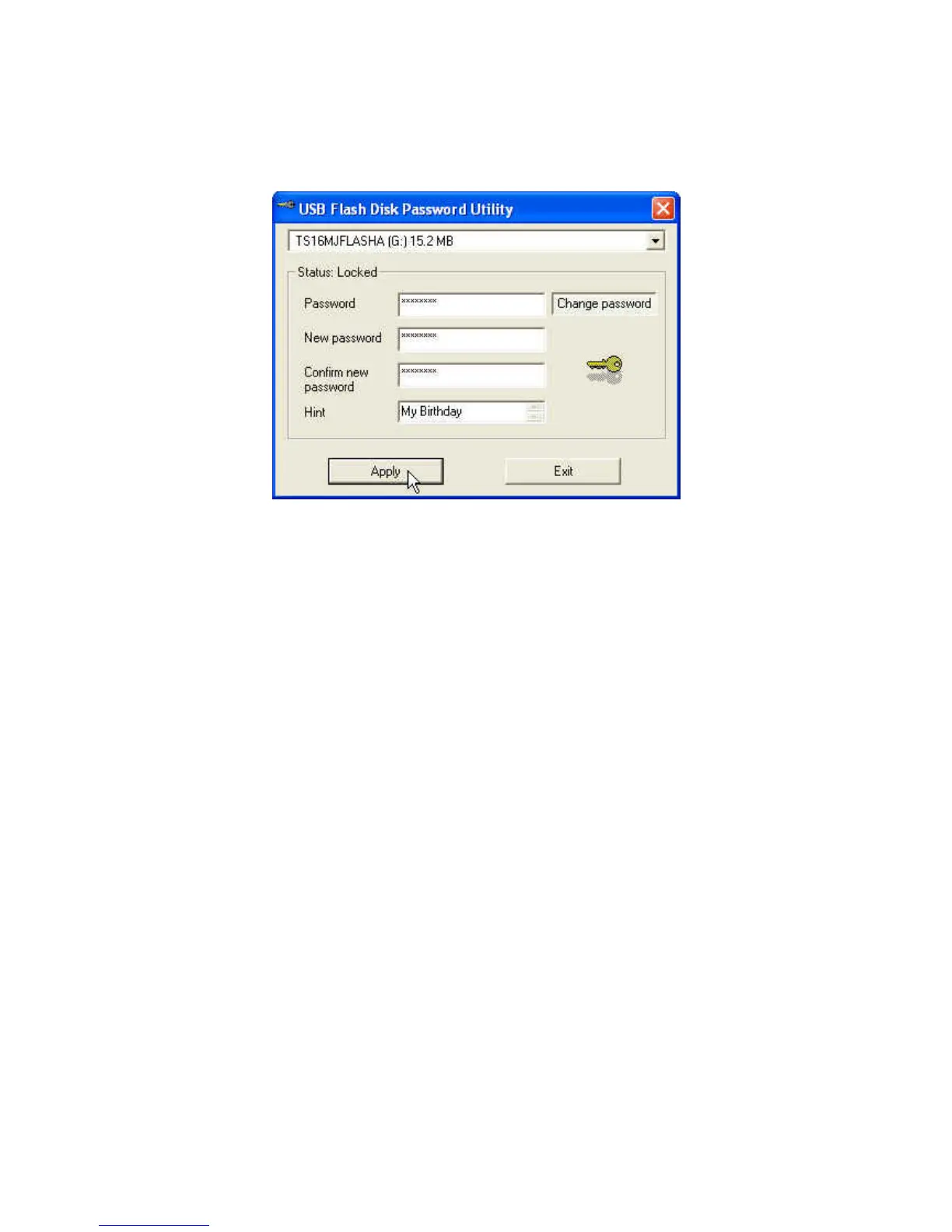
2. Enter current Password and click Change password to continue.
3. Key in New password and Confirm new password.
4. Click Apply to complete the change of password.
When You Forget the Password
When you forget your password, all you can do is running the mFormat
program to reformat JetFlash and setup a new password.
All data on JetFlash will be deleted during execution of this procedure!












 To Next Page