10
•
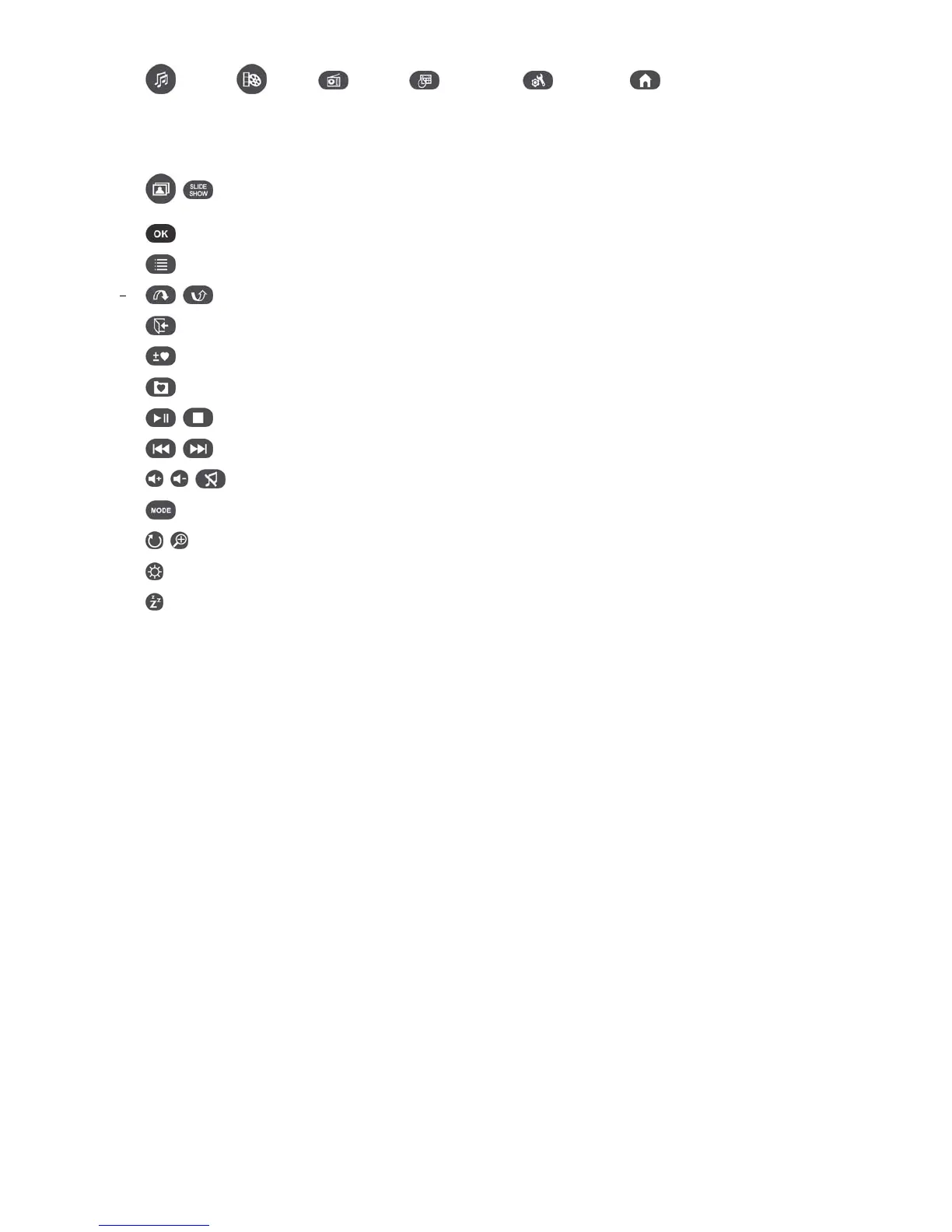
(Music)
(Video) (Radio)
(Calendar) (Settings)
(Home): These modes can
be directly accessed by pressing one of these shortcut buttons no matter what menu/mode the Photo
Frame is currently in.
•
: These buttons allow you to switch between Thumbnail and Slideshow modes.
•
: Select the item you want to view or function you want to perform.
•
: Shows additional functions available for the current mode.
•
: Display the next or previous page of available items
•
: Go back to the last page or menu.
•
: Add or delete the current photo, video, or music file from the Photo Frame’s internal memory.
•
: Browse the contents of the Photo Frame’s internal memory (My Favorites)
•
: Play/pause, or stop music at any time.
•
: Skip to the next or previous available music track or video clip.
•
: Adjust music volume (up / down / mute).
•
: Cycle between music and video repeat modes.
•
: Rotate or zoom-in on photos displayed in Photo View mode.
•
: Change the brightness of the screen.
•
: Enable the sleep timer to automatically shut down the Photo Frame.



 To Next Page