Start
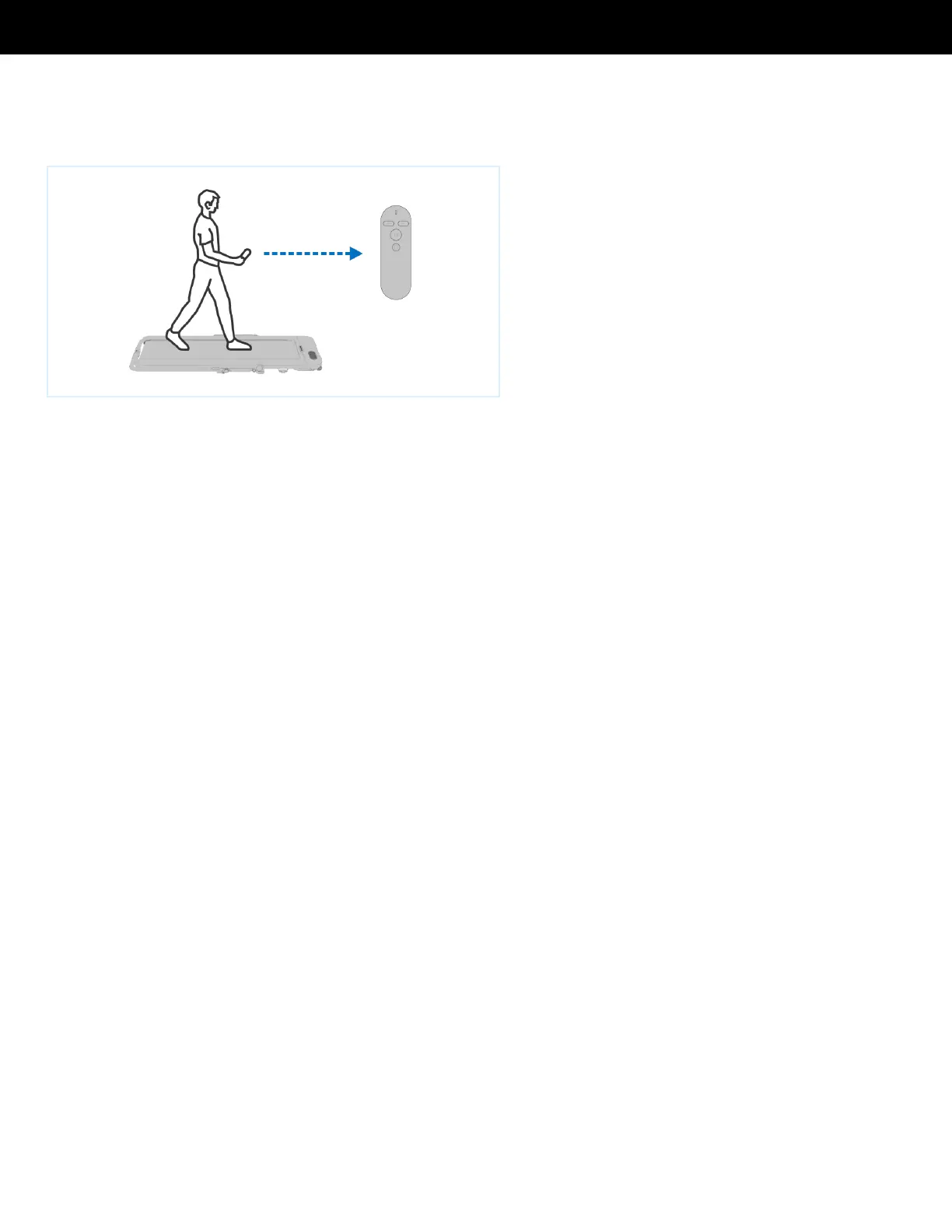
Press the remote Start / Stop button to start or stop the Treadly. There are two
modes:!
1. Standby mode: press the Start / Stop button to start the Treadly.!
2. When Treadly is in operation: press the Start / Stop button to stop the Treadly.!
Acceleration
Press the Acceleration button on the remote control. When you press it, the speed
will increase rapidly. The maximum speed is 5 mph.!
Deceleration
Press the Deceleration button on the remote control. When you press it, the speed
will reduce by 0.1 mph.!



 To Next Page