EasyManua.ls Logo

TREBLAB XR700 - Troubleshooting Common Issues; Power and Pairing Problems

TREBLAB XR700
14 pages
Print Icon
To Next Page IconTo Next Page
To Previous Page IconTo Previous Page
Loading...
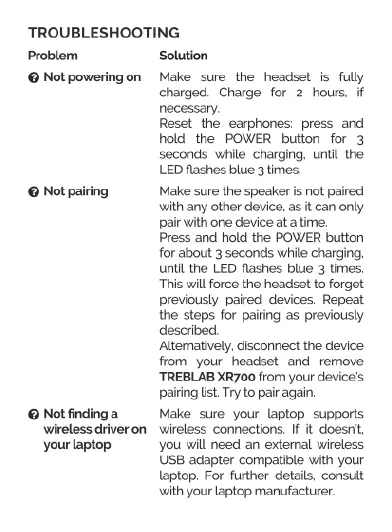
TROUBLESHOOTING
Problem
©
Not
powering
on
©
Not
pairing
@
Notfindinga
wireless
driver
on
yourlaptop
Solution
Make
sure
the
headset
is
fully
charged.
Charge
for
2
hours.
if
necessary.
Reset
the
earphones
press
and
hold
the
POWER
bution
for
3
seconds
whie
charging.
until
the
LED
flashes
blue
3
times
Make
sure
the
speaker
is
not
paired
with
any
other
device,
as
it
can
only
pair
with
one
device
at
a
time.
Press
and
hold
the
POWER
button
for
about
3
seconds
while
charging,
until
the
LED
flashes
blue
3
times.
This
will
force
the
headset
to
forget
previously
paired
devices.
Repeat
the
steps
for
pairing
as
previously
described.
Alteratively.
disconnect
the
device
from
your
headset
and
remove
‘TREBLAB
XR700
from
your
device's
pairing
list.
Try
to
pair
again.
Make
sure
your
laptop
supports
wireless
connections.
If it
doesnt,
you
will
need
an
extemal
wireless
UsB
adapter
compatible
with
your
laptop. For
further detals,
consult
with
your
laptop
manufacturer.

Related product manuals