Table of Contents
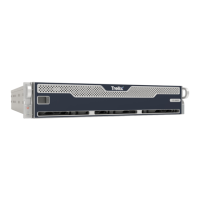
The EX 8600 ........................................................................................... 4
The Front View ................................................................................. 4
The Rear View ................................................................................. 6
Deployment ............................................................................................ 8
Message Transfer Agent Deployment .............................................. 8
Bcc: Deployment .............................................................................. 9
SPAN/ TAP Deployment ................................................................. 10
Installation ........................................................................................... 12
Before You Begin ........................................................................... 12
Installation Site Guidelines ............................................................. 12
Rack Precautions ........................................................................... 13
Server Precautions ........................................................................ 13
Rack-Mounting Precautions ........................................................... 14
Power Requirements ..................................................................... 14
Ventilation Requirements ............................................................... 14
Cabling Requirements ................................................................... 15
Rack Installation ............................................................................. 15
Attaching Cables to the Appliance ................................................. 16
Turning On the Appliance .............................................................. 16
Replacements ...................................................................................... 17
Return Process .............................................................................. 17
Removing and Replacing a Disk Drive .......................................... 17
Removing and Replacing a Power Supply Unit ............................. 17
Removing and Replacing a Cooling Fan ....................................... 17
Appendices .......................................................................................... 19
Appendix 1: System Specifications ................................................ 19
Technical Support ............................................................................... 20
Documentation ............................................................................... 20
EX Series
Page 3 © 2022 FireEye Security Holdings US LLC


 To Next Page